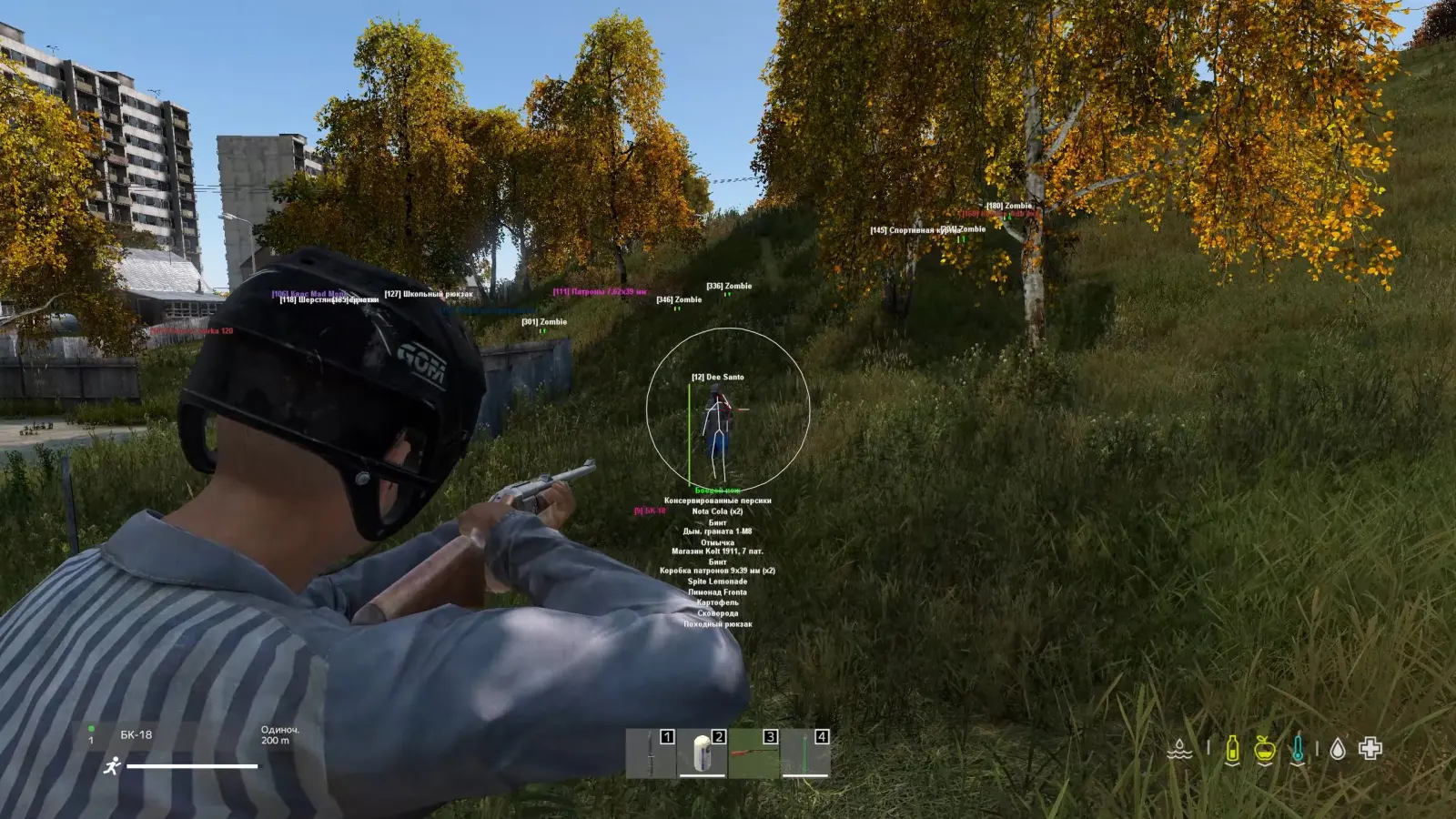
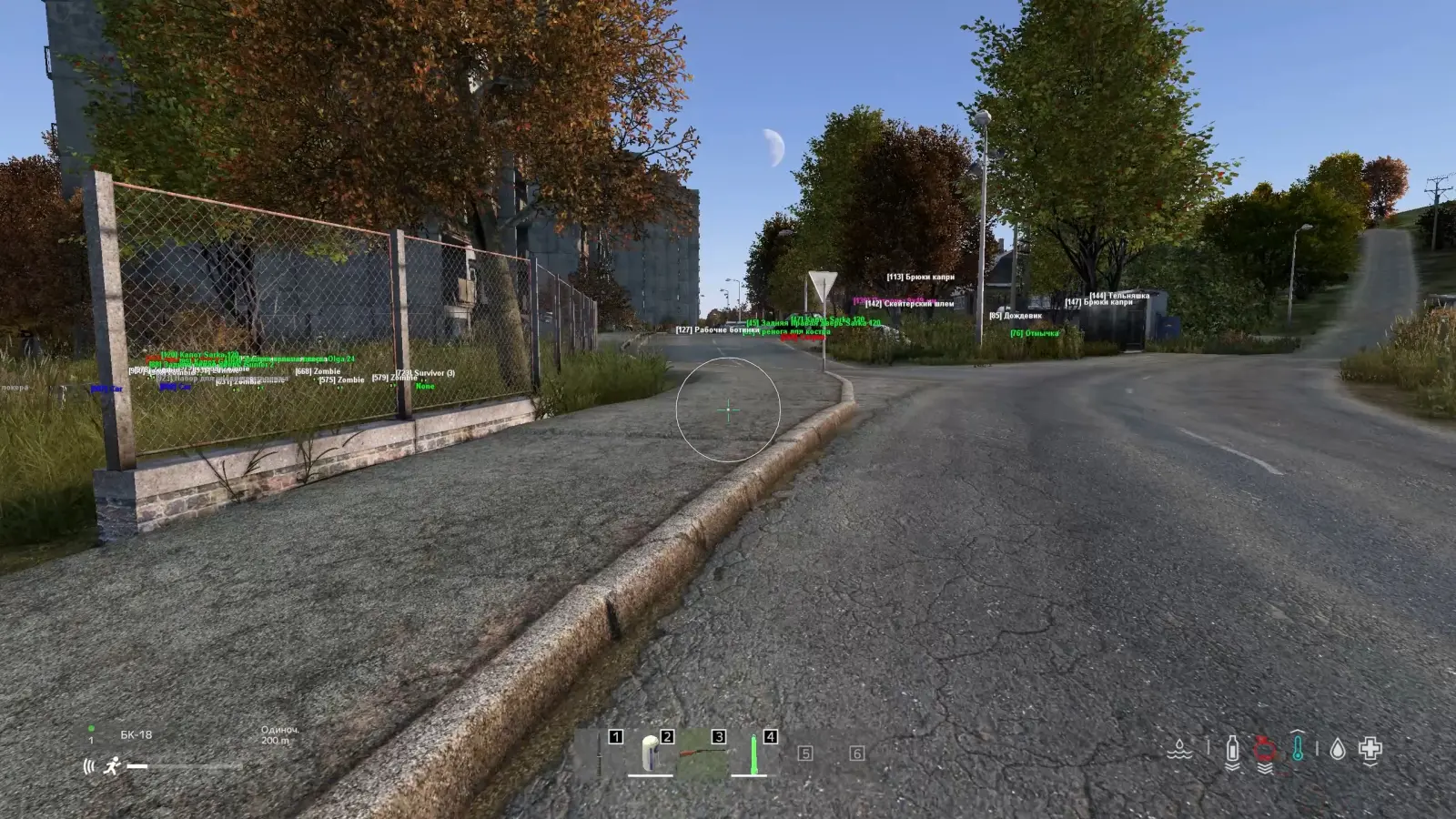
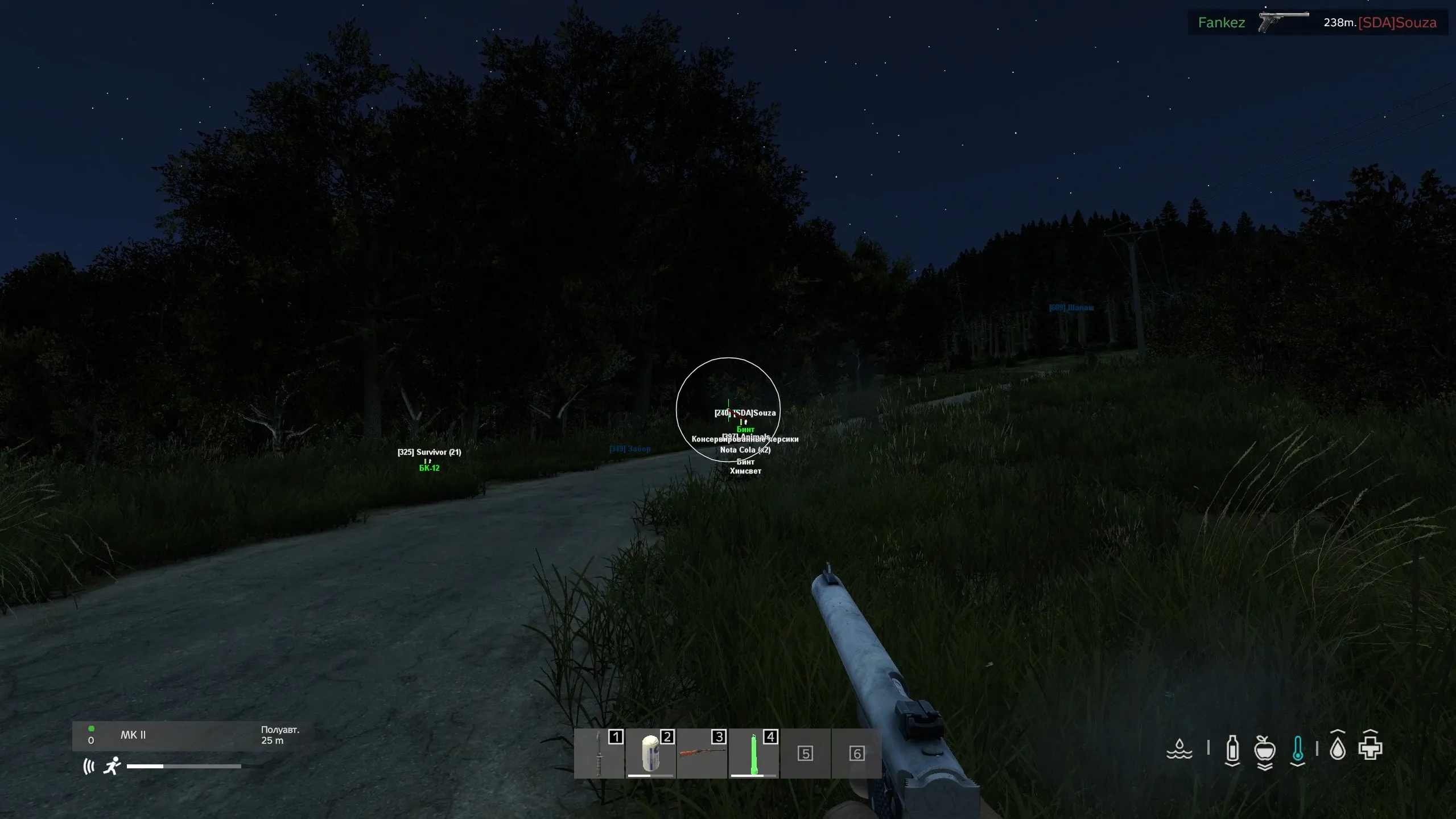
Collapse cheat for DayZ. ESP: skeleton, nickname, weapon, inventory value, distance. No built-in spoofer. Win 10-11.
System requirements and details
36 features. No fluff.
What buyers say
More in the catalog for DayZ
Full catalog →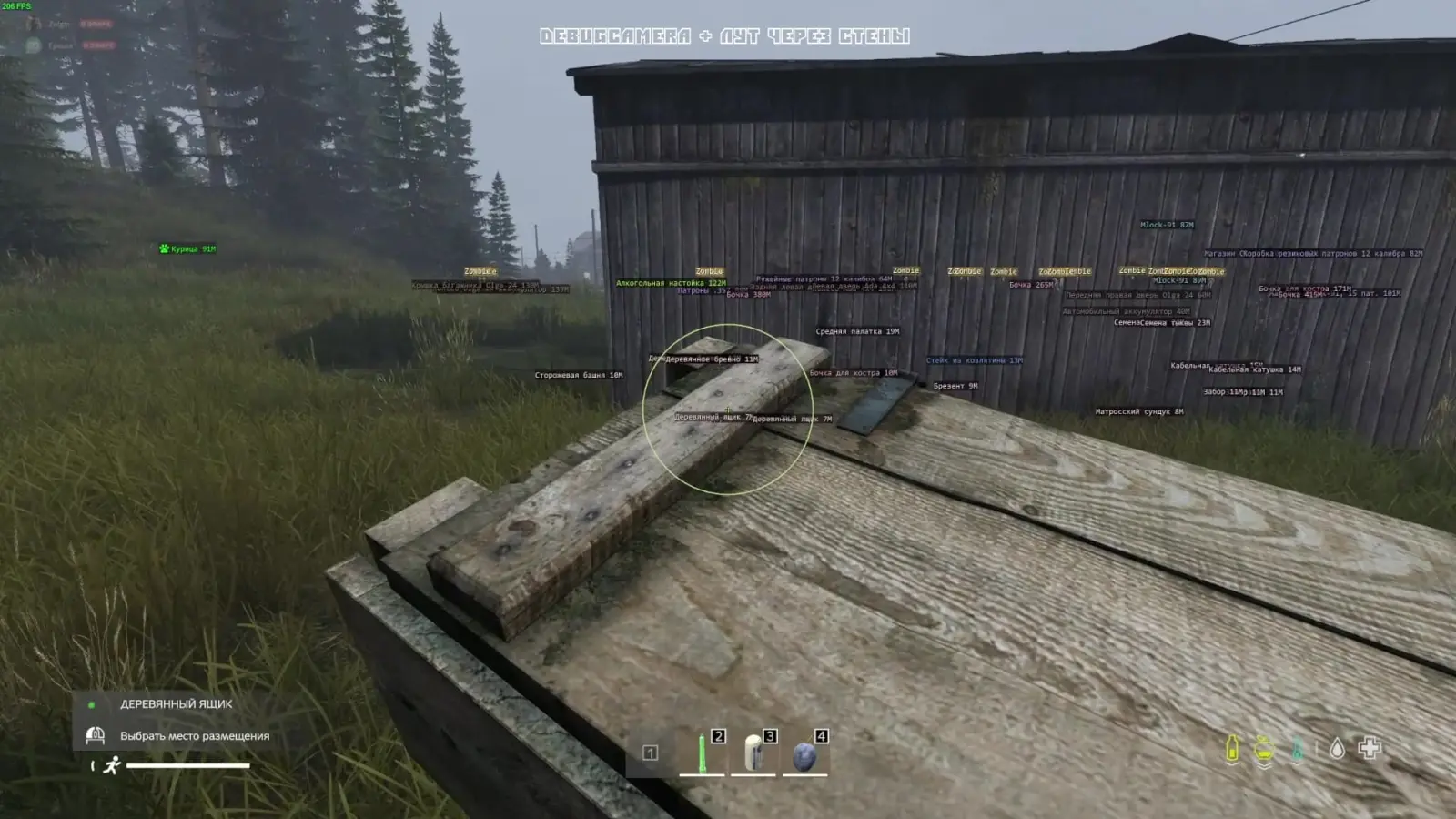
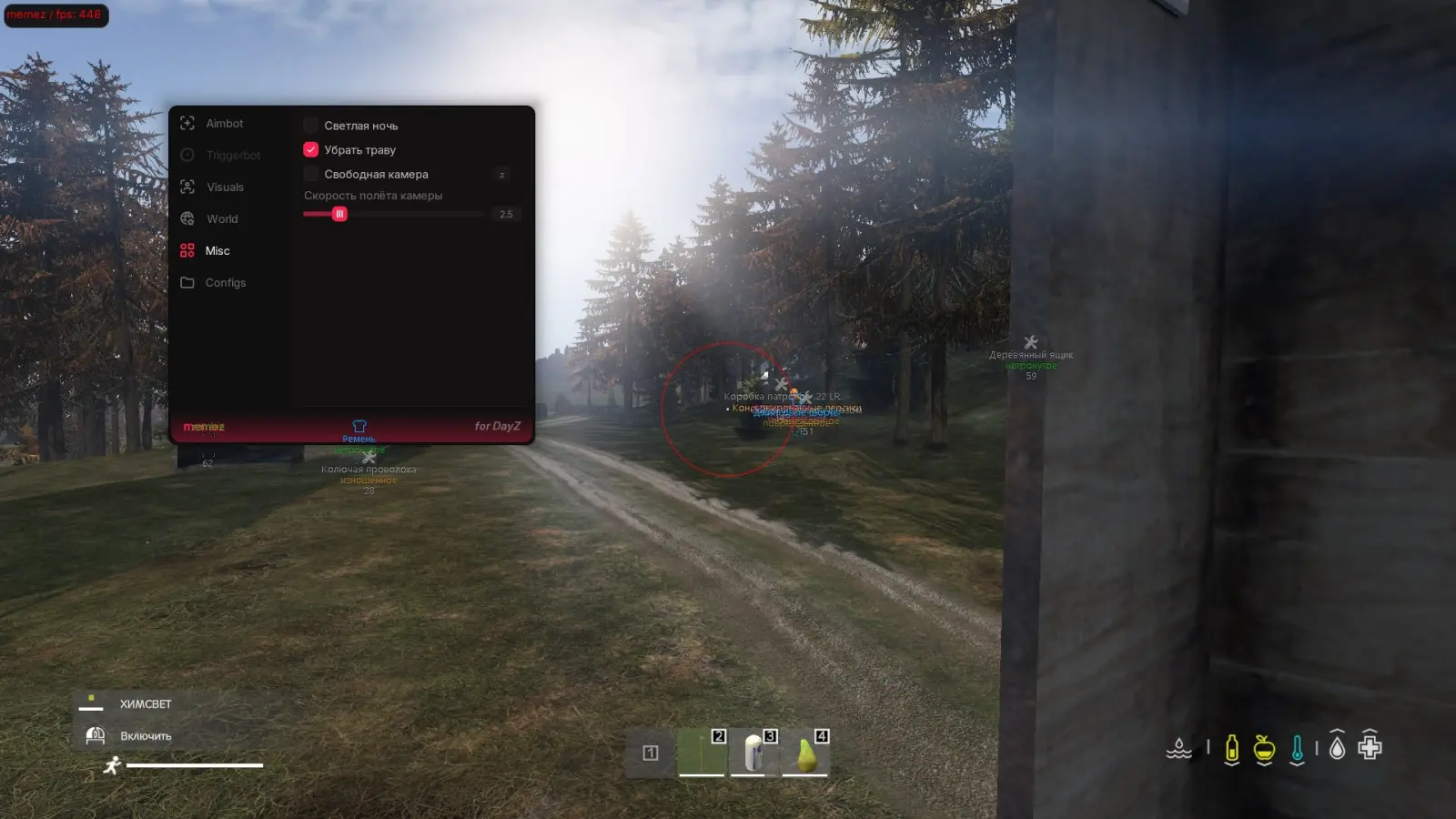
In DayZ, you rarely die from a single mistake. It usually starts with something small — missing a silhouette between the trees, hearing footsteps too late, or stepping out onto an open road. The Collapse DayZ cheat adds the information to your screen that's usually missing at the tense moments. You understand what's happening nearby faster and decide for yourself whether to keep moving, wait it out, or change your route.
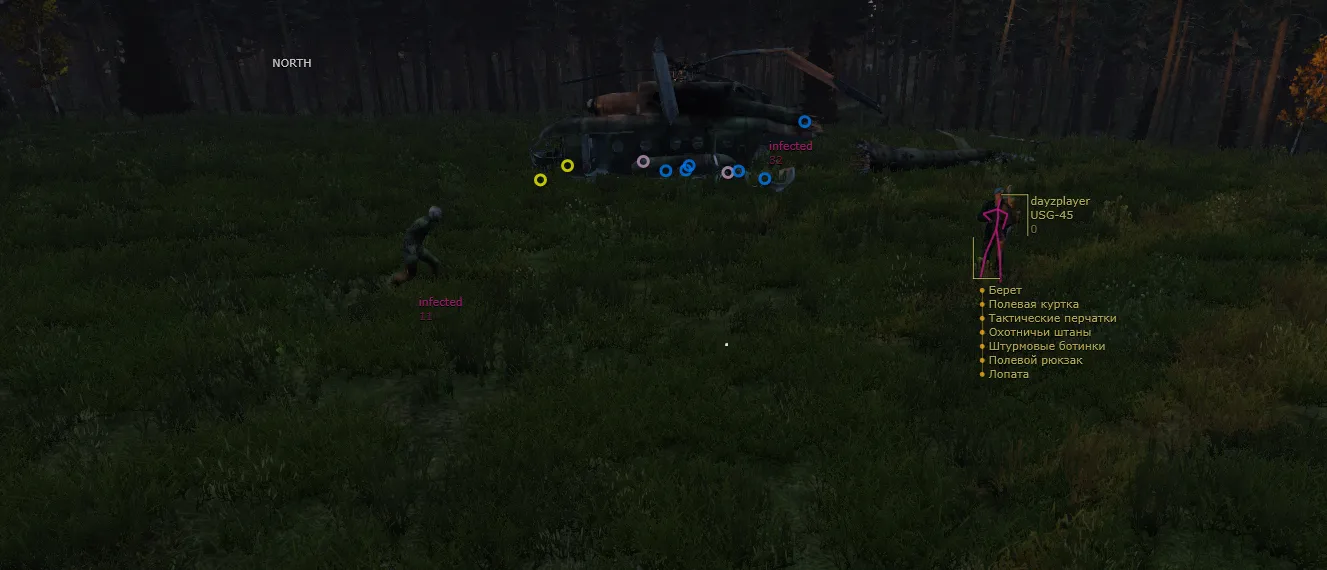
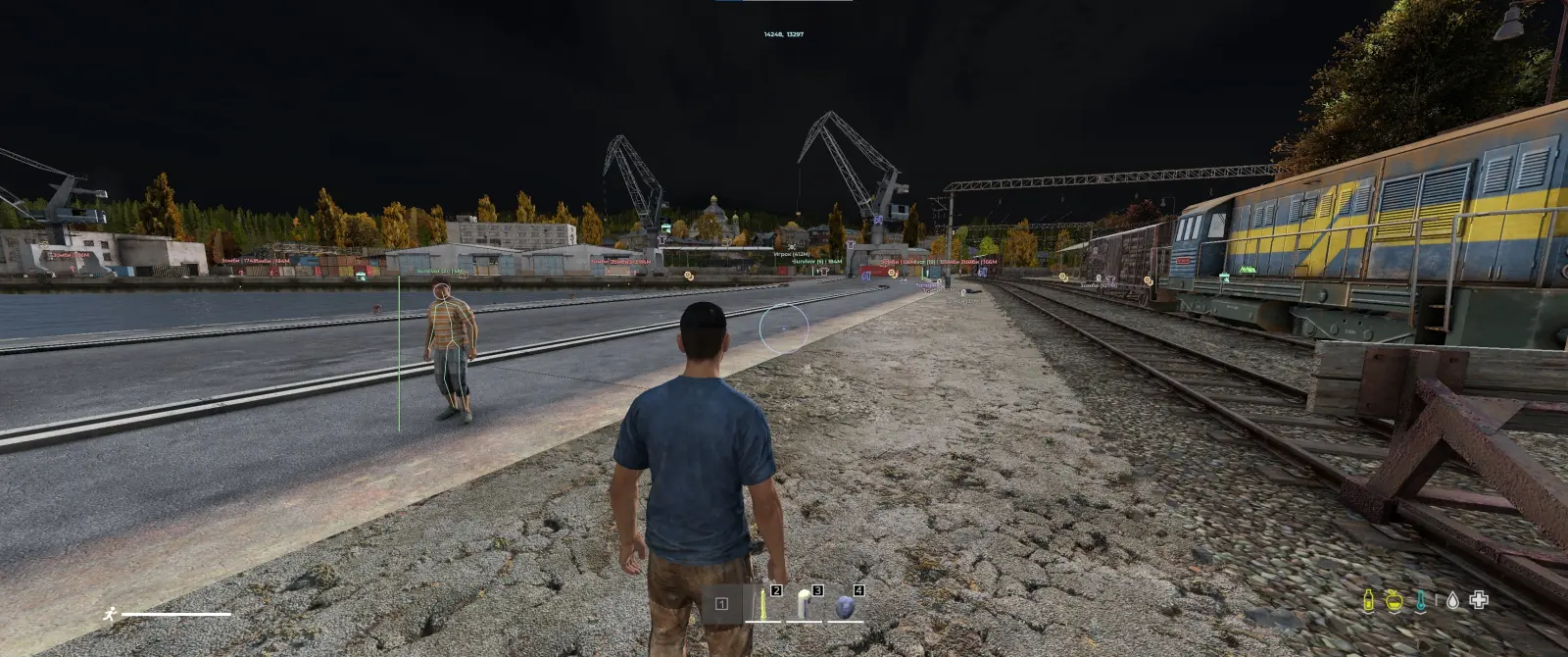
The core of the program is about the visual display of objects. Collapse DayZ ESP helps you see other players, the distance to them, their weapons, and select gear details. It's not a ready-made tactic or an automatic win — more of an extra reference point that's especially useful in forests, towns, or near popular loot spots.
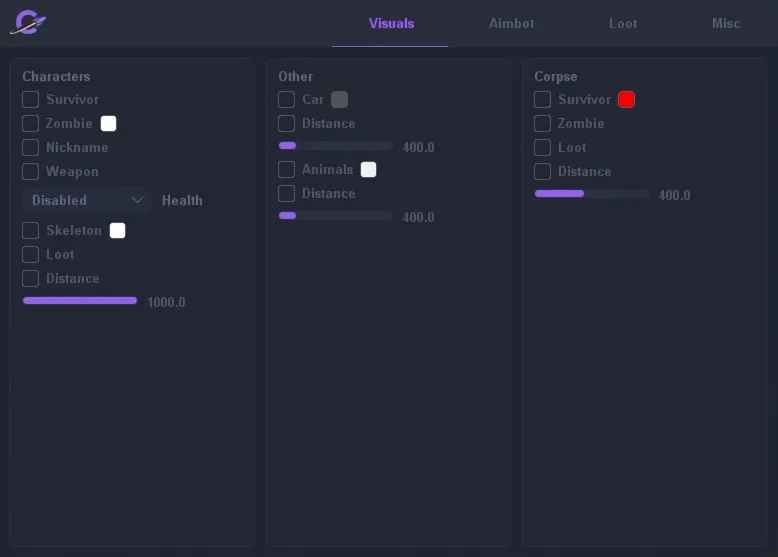
In the settings, you can keep only what you actually need:
- displaying players and distance
- weapon information
- inventory data
- customizing on-screen markers
- turning individual elements on and off
You don't have to turn your screen into a mass of bright boxes and labels. Some players keep the data to a minimum, while others turn on more hints while scavenging for resources. The private Collapse DayZ cheat lets you pick the setup that works for you without wasting time figuring out a complicated menu.
Before launching, check the product's status and system requirements. The game version keeps getting updated, so it's best to confirm compatibility right before buying. The same goes for the "ban-free" Collapse DayZ cheat — there can be no full guarantee here. Using third-party software always carries some risk of a ban. Promising absolute safety would sound nice, but it wouldn't be honest.
On MEMEZ, you can buy the Collapse DayZ cheat for your chosen period. Before paying, it's a good idea to open the product page, read the description, and make sure the program fits your installed game version and computer. After placing the order, you'll receive the activation details and launch instructions. If a question comes up at any stage, you can always ask support.
People don't choose Collapse to endlessly chase down every target. Some want it for calm, steady resource gathering, others to spot a dangerous area ahead of time, and others just to play more confidently on a familiar map. The information appears on screen, but the final call always stays with the player.
Don't rush the first time you use it. It's better to calmly review the settings, remove any unnecessary markers, and test the launch. That way the interface won't get in the way of your view, and the data you need will stay visible.