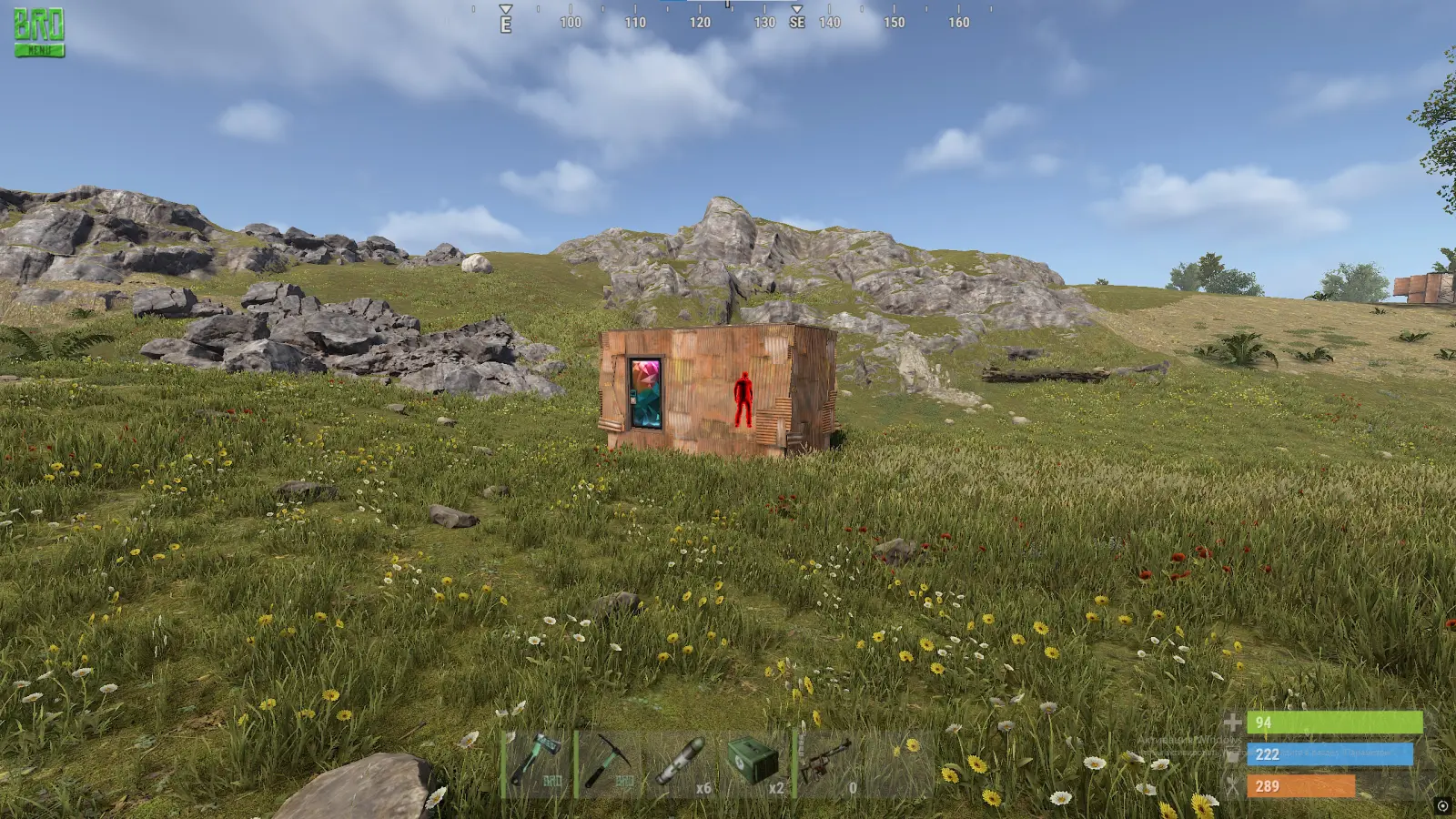
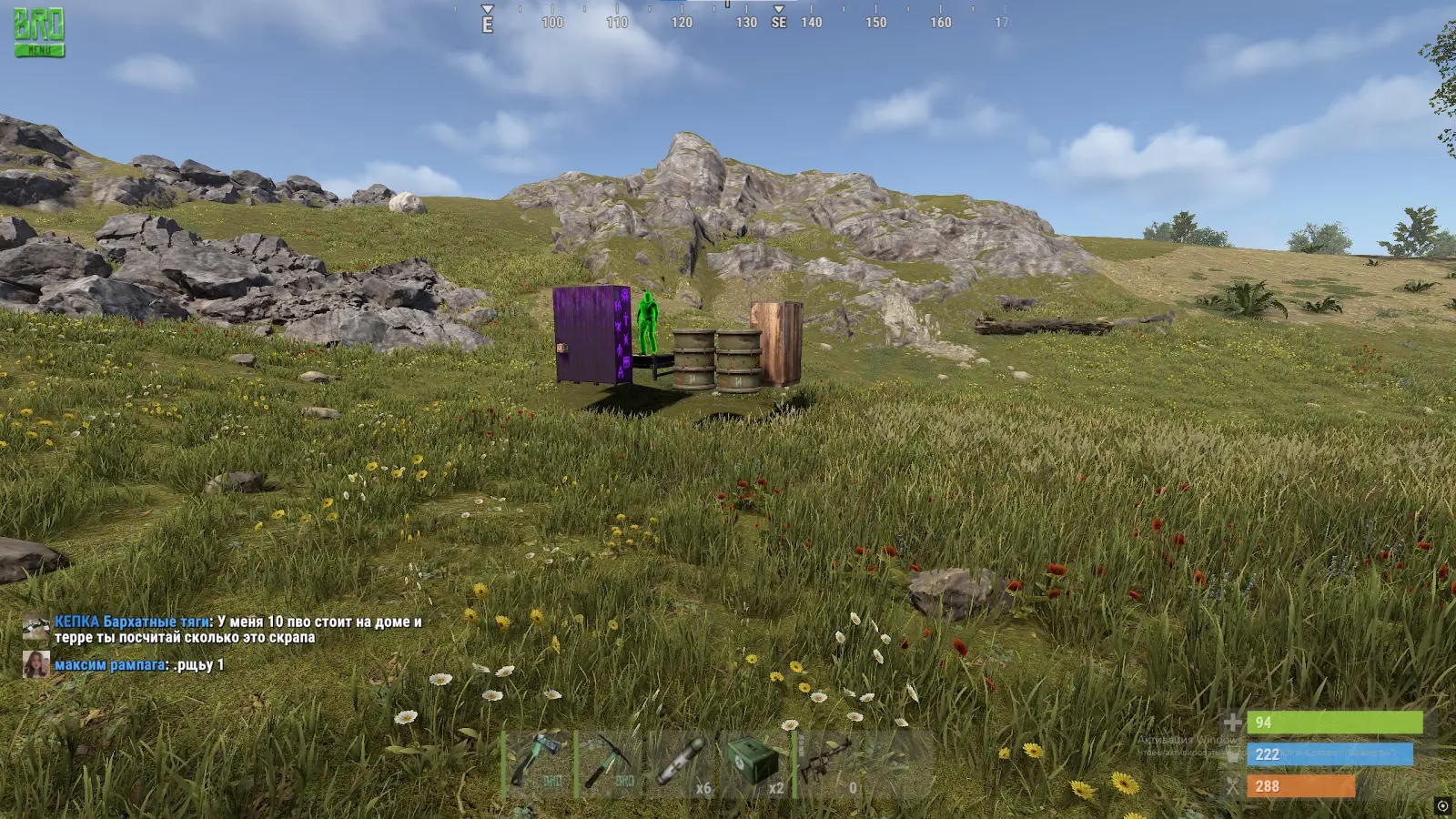
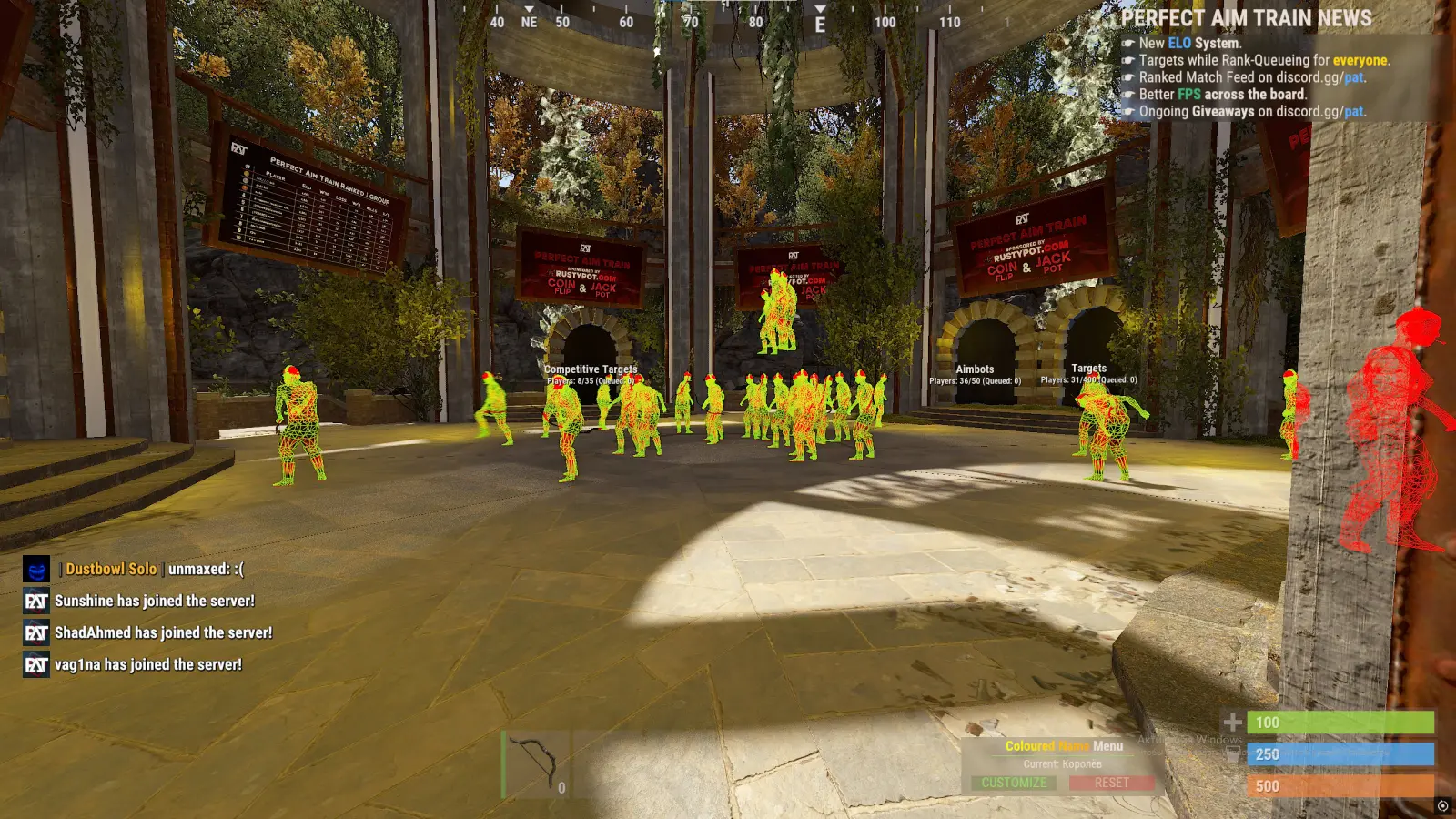
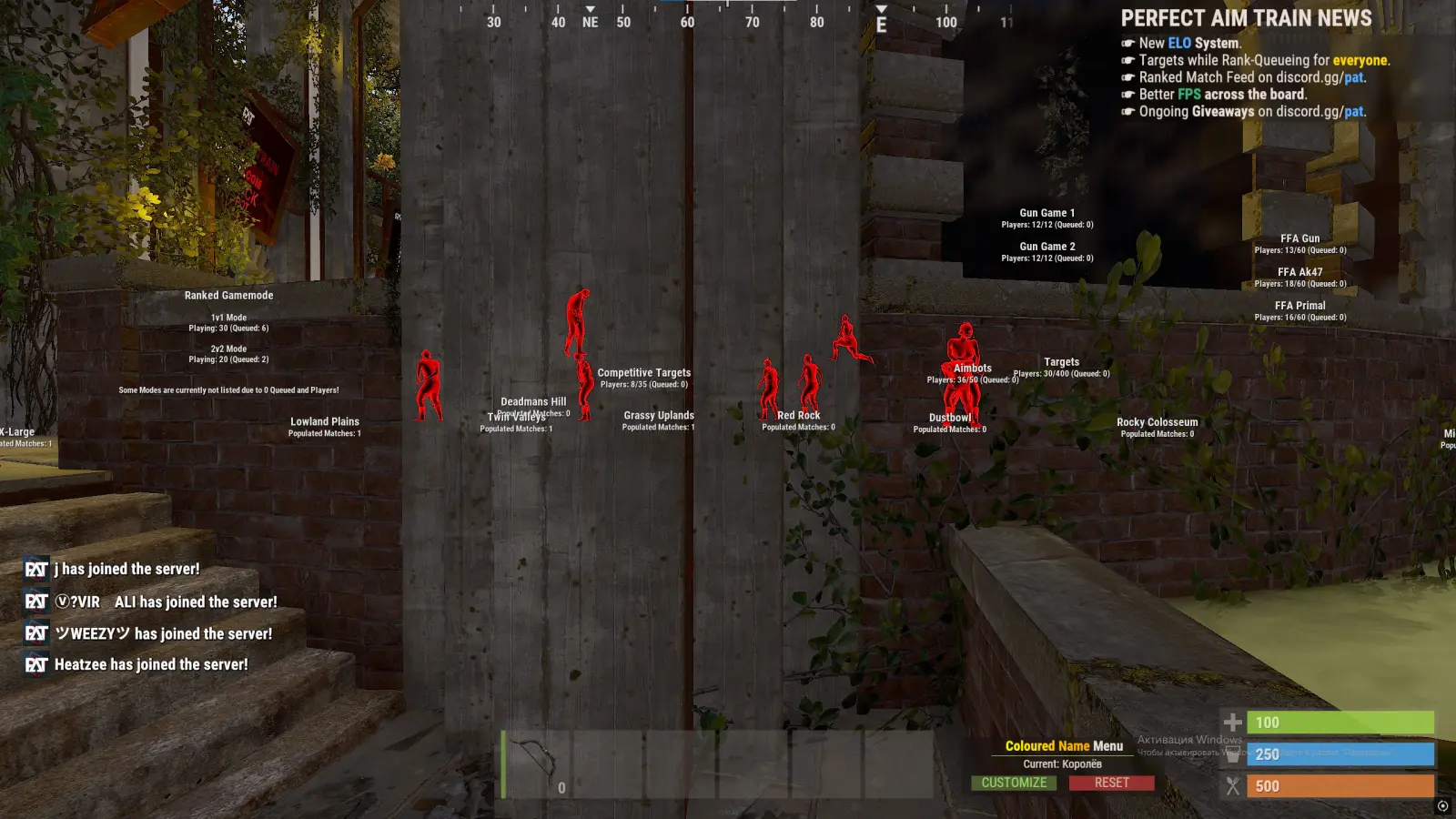
CHAMS cheat for RUST — colored player silhouettes through walls (Glow, Flat, Wireframe). Bright Night, remove walls. Win 10-11.
System requirements and details
5 features. No fluff.
What buyers say
More in the catalog for Rust
Full catalog →
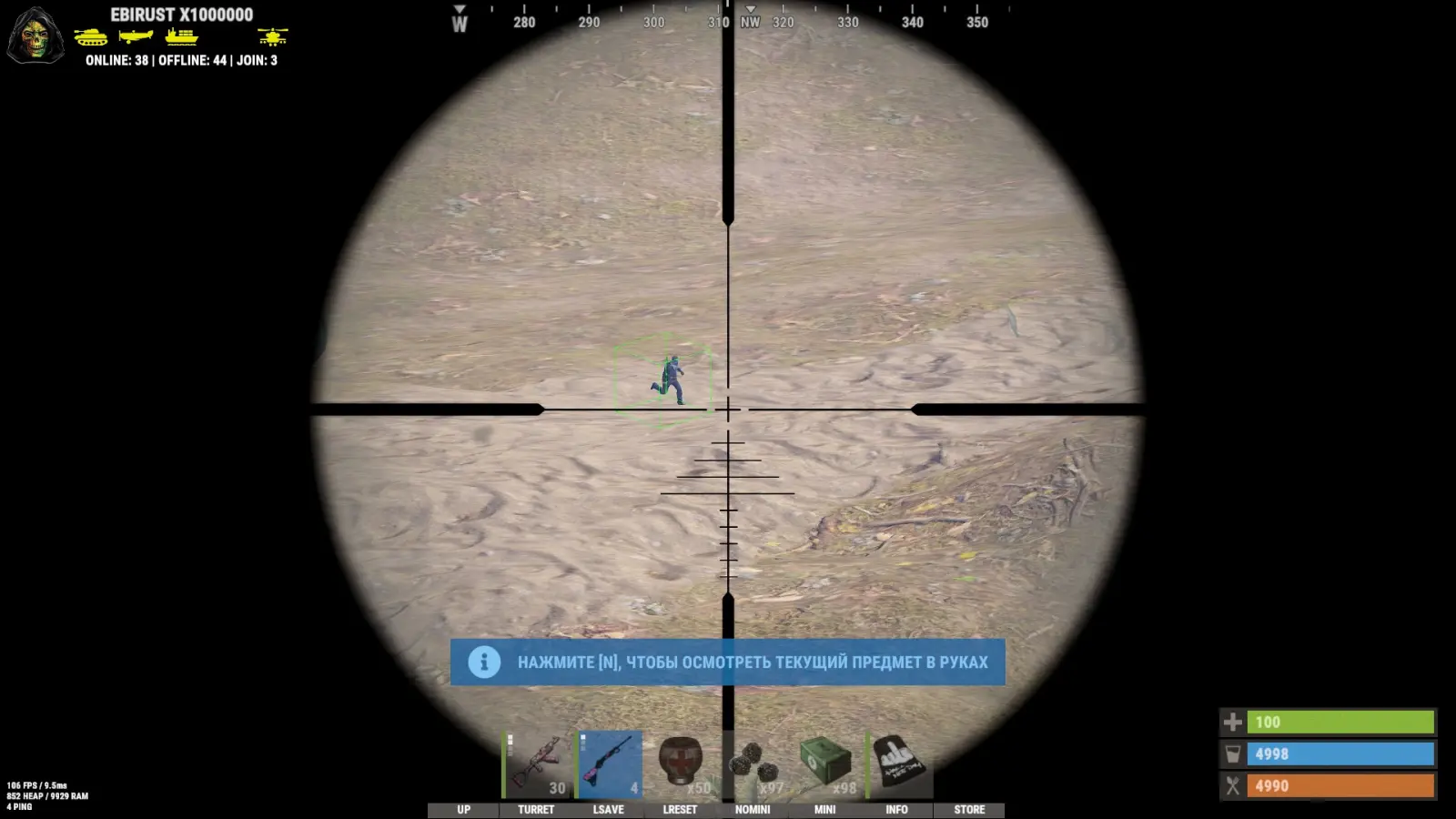
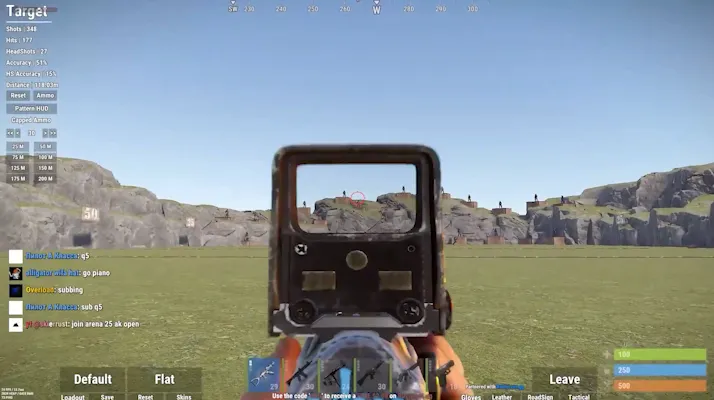
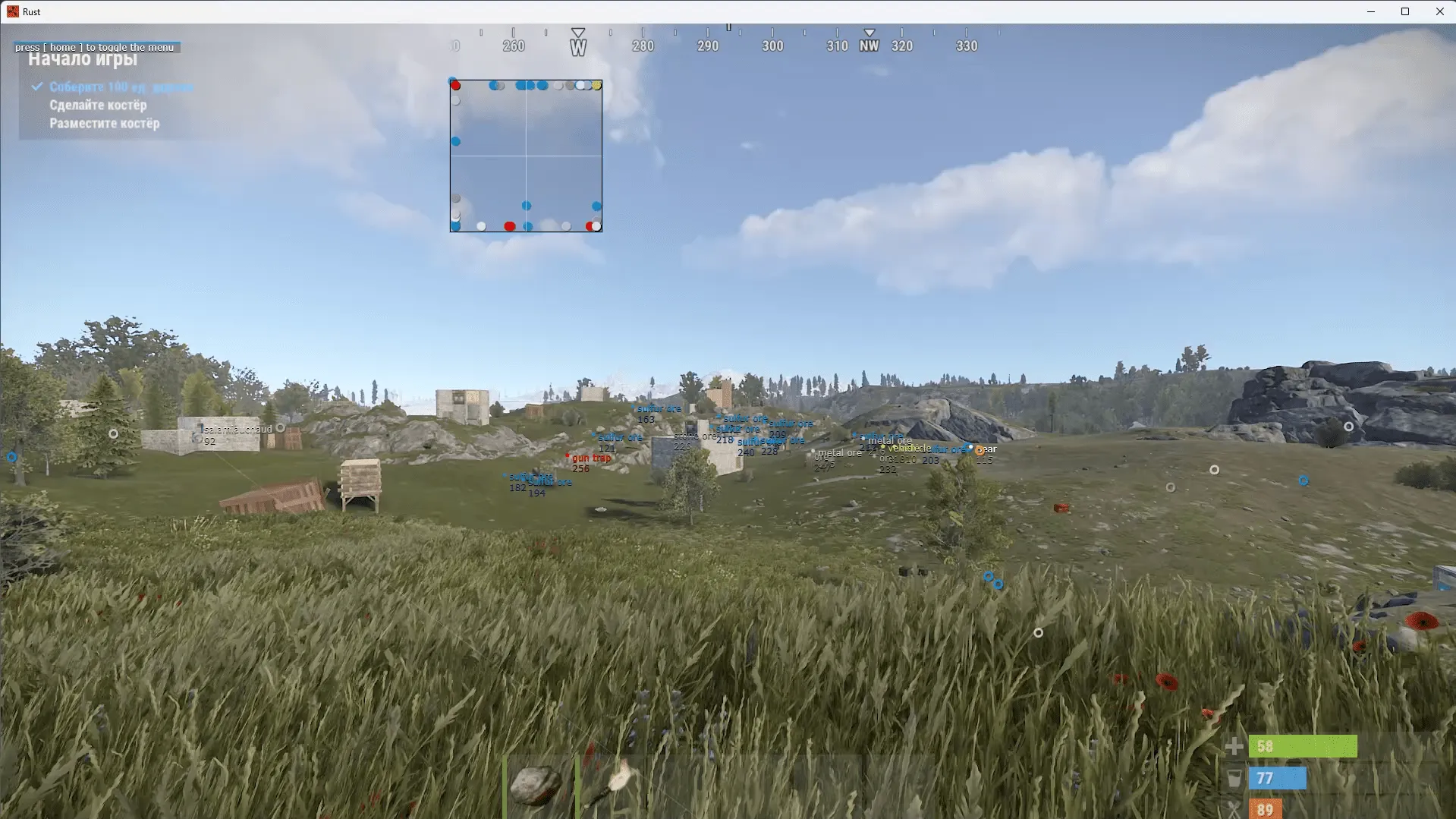
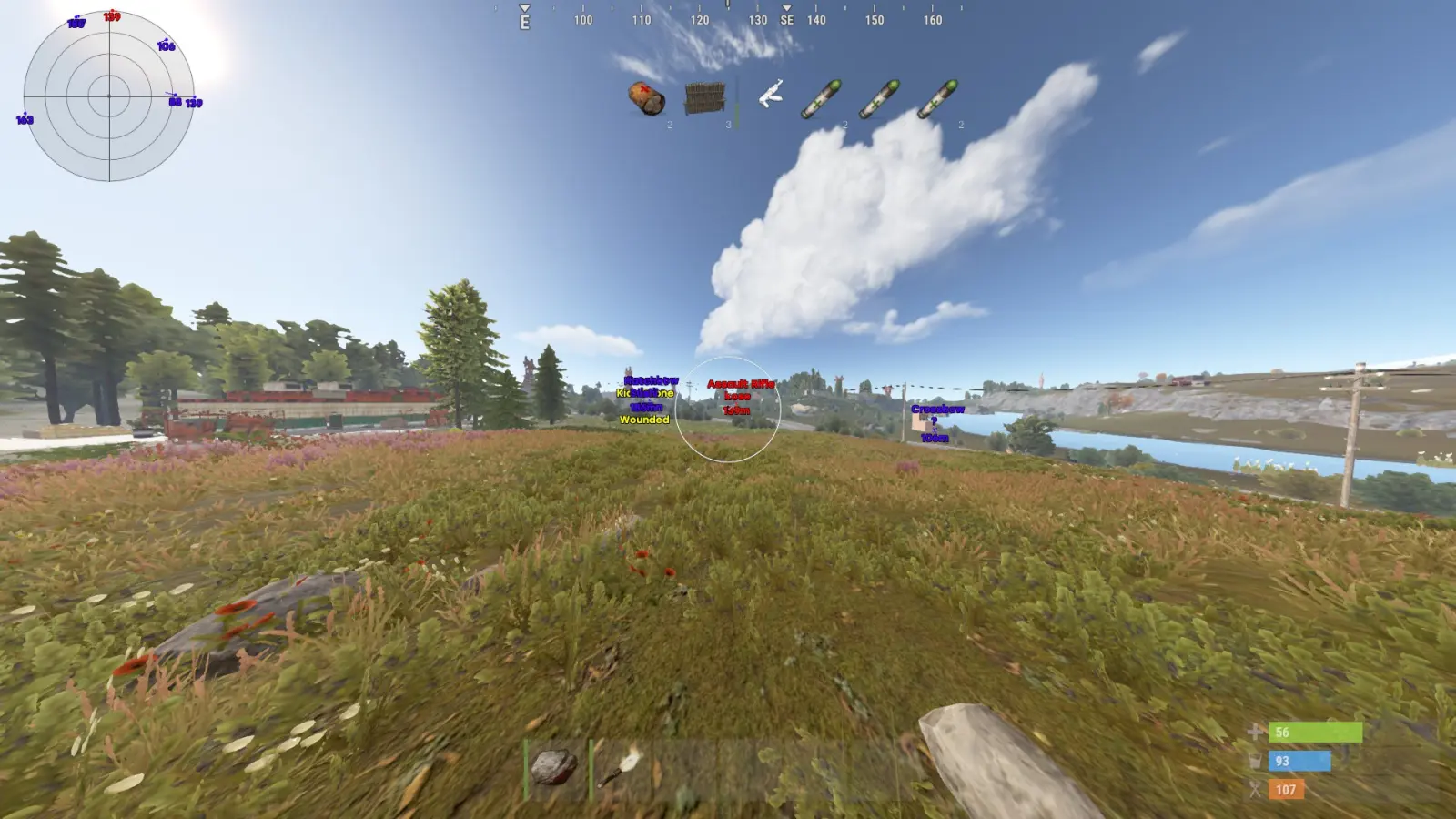
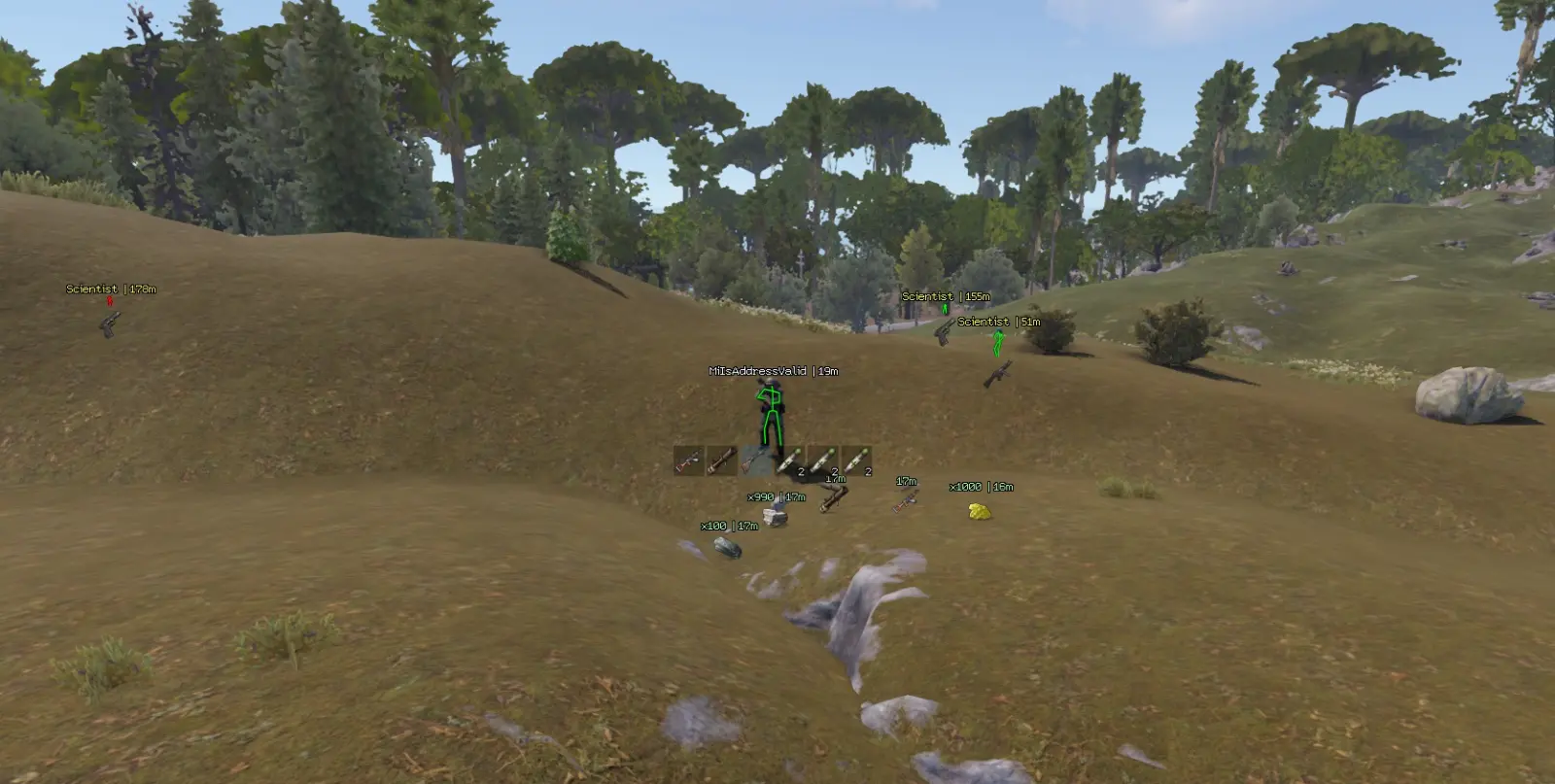
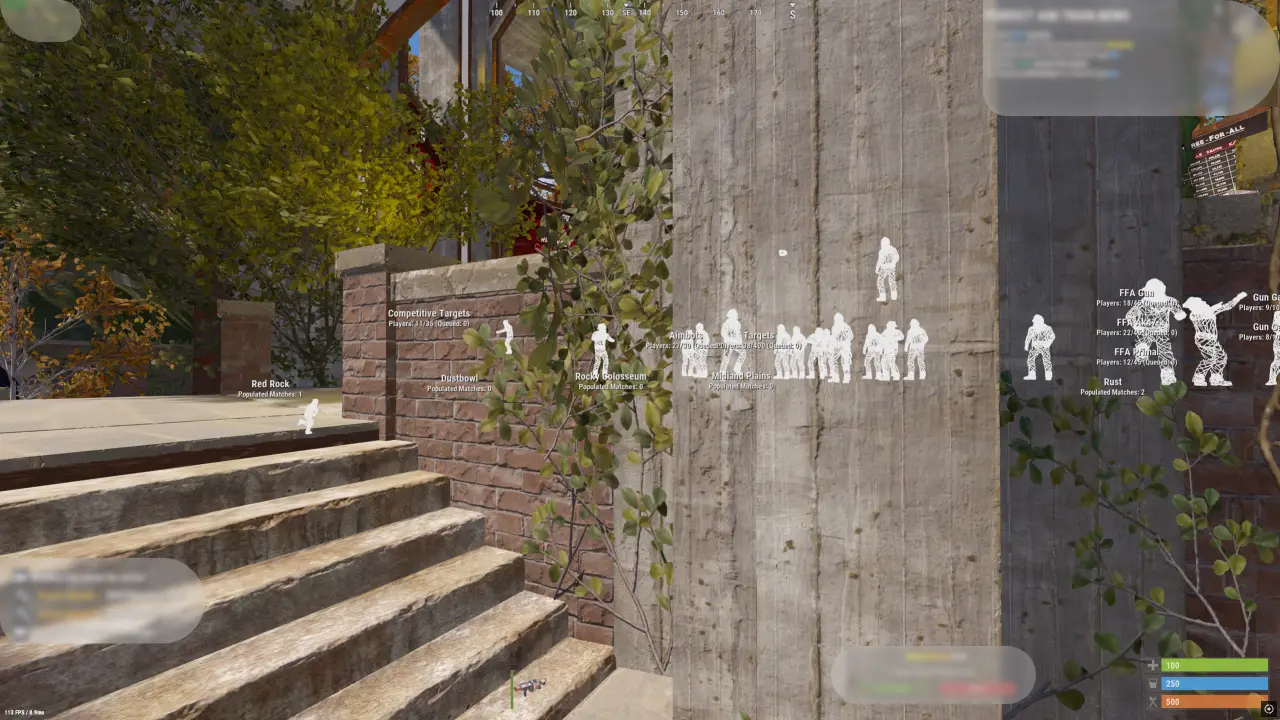
In Rust, weapons and gear aren't the only things that matter. Sometimes it's more important to spot movement near a base first, notice a player among the trees, or realize someone's on the other side of a wall. The regular view doesn't always give you that edge — models blend into the environment, especially at night, in forests, or inside dark buildings.
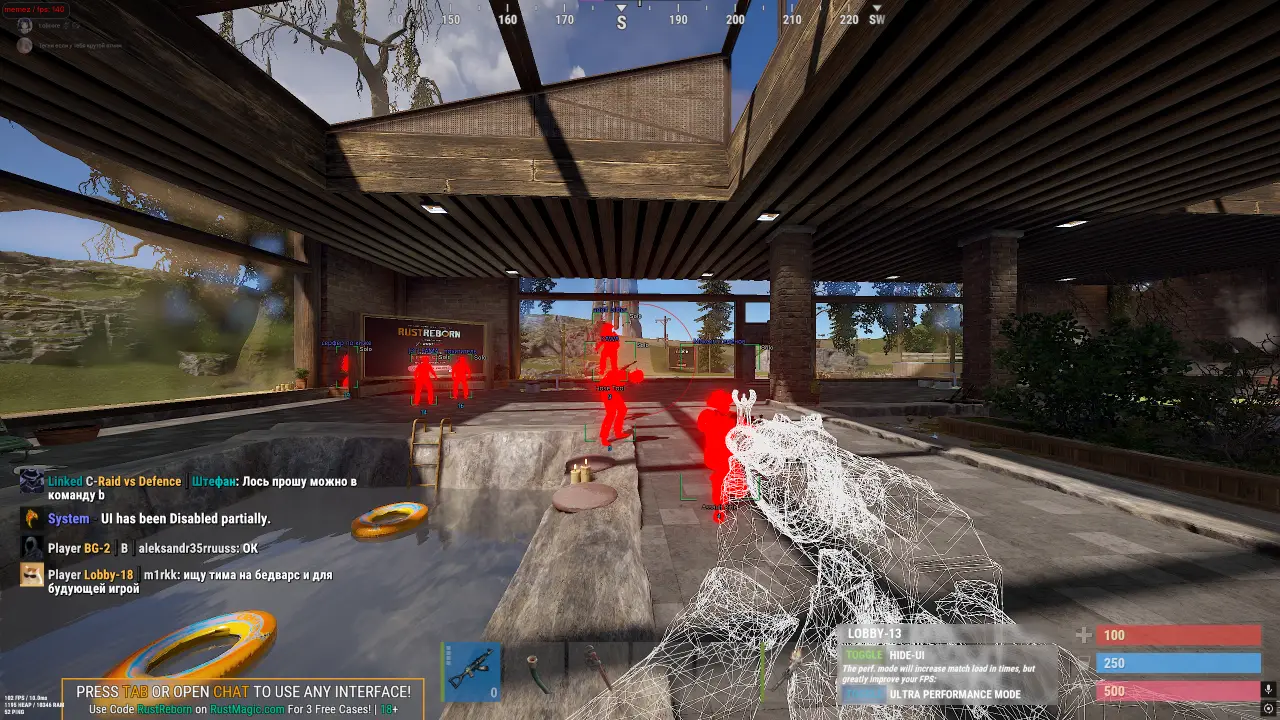
The Rust Chams cheat changes how characters are rendered and makes them stand out against the game world. Models get a colored highlight, so it's easier to track what's happening and react faster. This doesn't mean your screen fills up with icons, numbers, and lines — the key information comes through color, which means it registers almost instantly.
Chams is a popular choice for players who dislike a cluttered interface. Instead of a complex panel with dozens of readouts, you simply see highlighted models and keep playing the way you normally would. There's no need to keep glancing at separate windows or figure out what another marker means.
The program's features depend on the specific version. Before buying, check the product page description and see which settings are available. Users typically pay attention to the following features:
- displaying players behind objects and map elements
- changing the color of visible and hidden models
- adjusting the brightness and type of highlight
- enabling only the visual elements you need
- quick feature control through the menu
If you're planning to buy the Rust Chams cheat, the feature set isn't the only thing that matters. Compatibility with your installed version of Windows, the launch procedure, and the program's current status all matter too. Rust updates regularly, so older files can stop working even if they were running fine just recently.
The Rust Chams ESP feature helps you tell players apart under different conditions. For example, you can set one color for a visible model and a different one for a character hidden behind an obstacle. This makes the picture clearer — you can tell faster where an opponent might appear from, without the screen turning into a jumble of extra information.
A "ban-free Rust Chams cheat" sounds appealing, but the possibility of a ban can never be fully ruled out. The game's rules prohibit third-party software, and detection methods can change after updates. That's why you should always check the product's current status before each launch and follow the developer's instructions.
On the MEMEZ website, you can read the Chams description, see the available options, and pick a suitable access period. Before paying, it's a good idea to check the system requirements and make sure the chosen product fits your current game version. This takes only a few minutes but helps you avoid installation and launch errors.