MASON Internal for Rob Run: aimbot, player and loot ESP, radar, vehicle features and recoil controls.
Public launch guideSystem requirements and details
180 features. No fluff.
What buyers say
More in the catalog for Rob Run
Full catalog →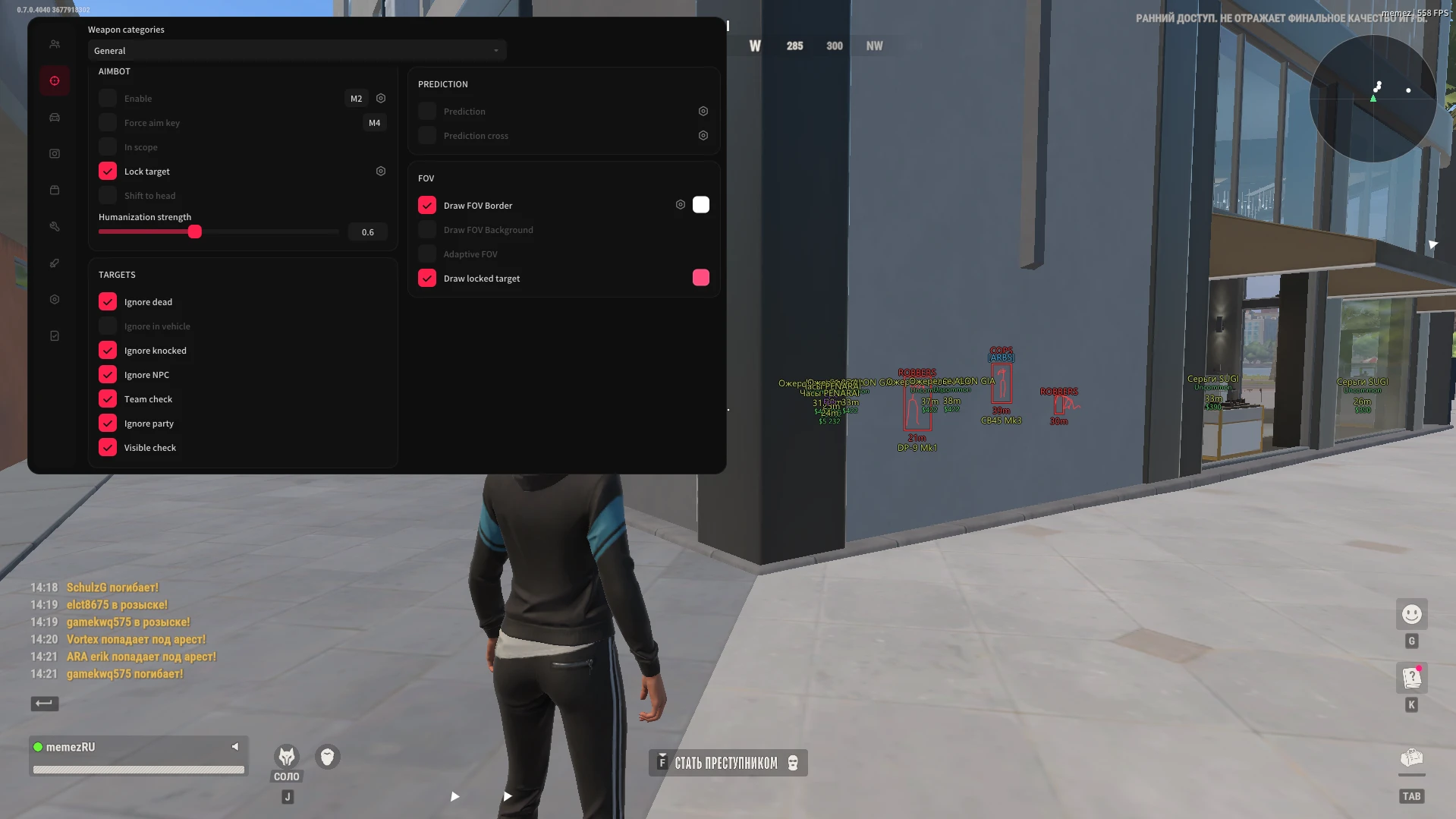
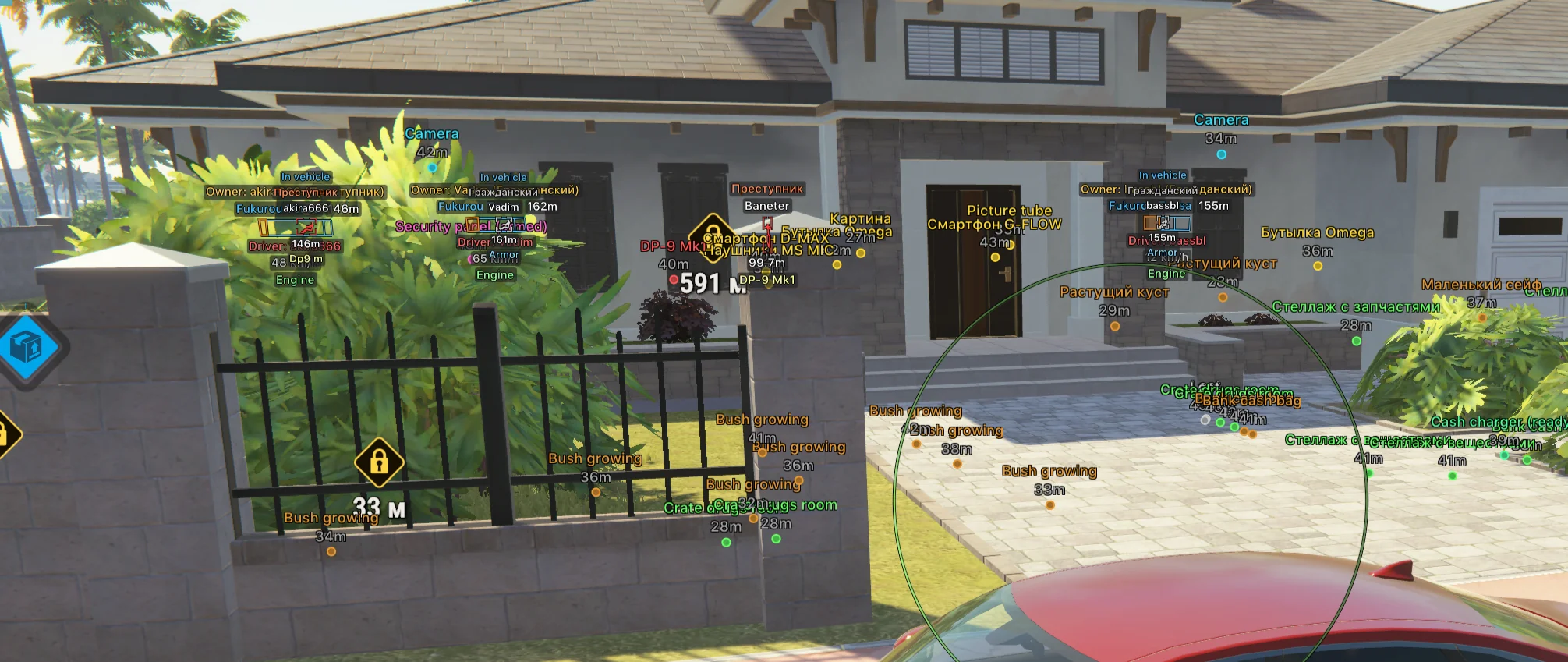
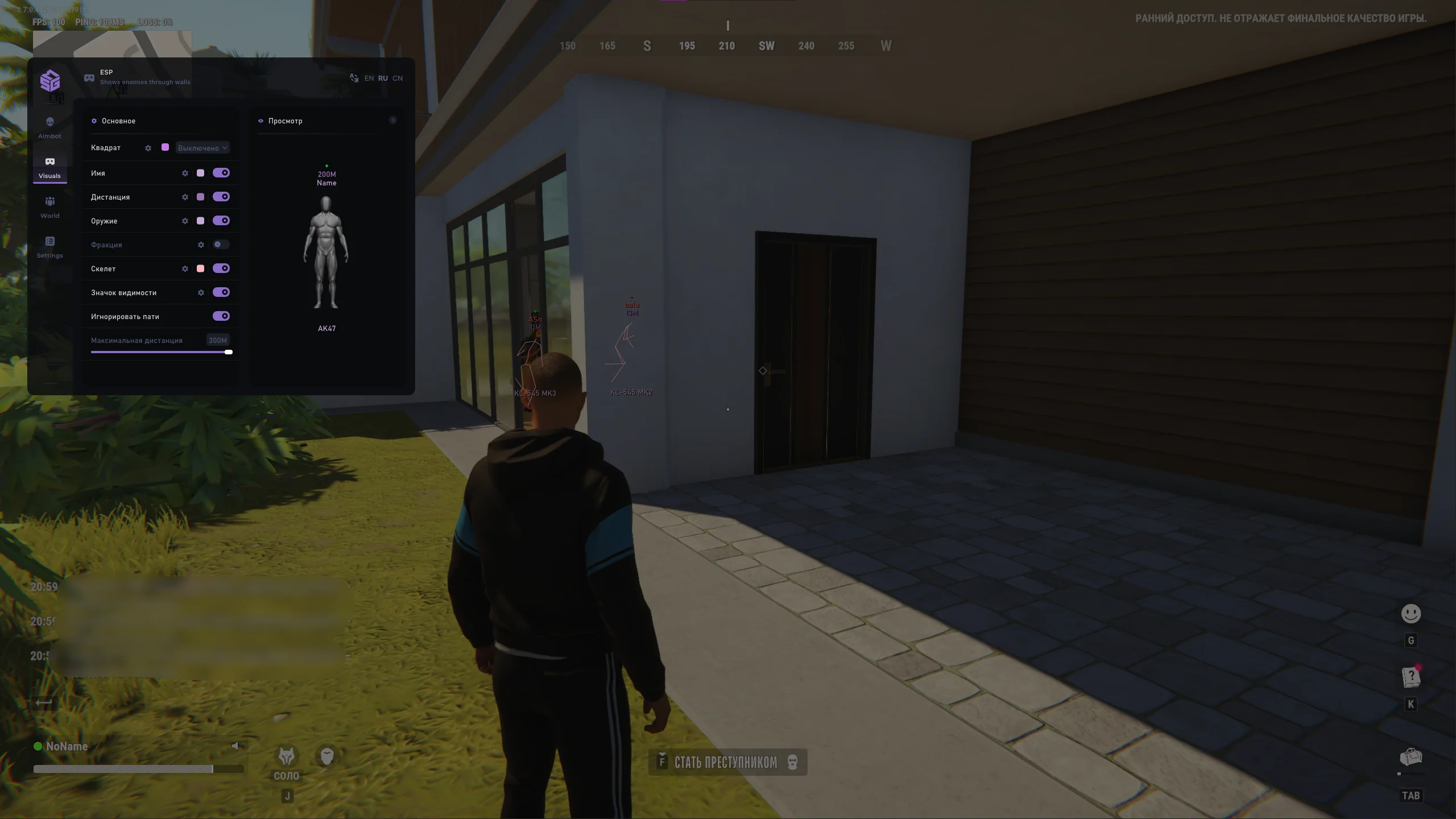
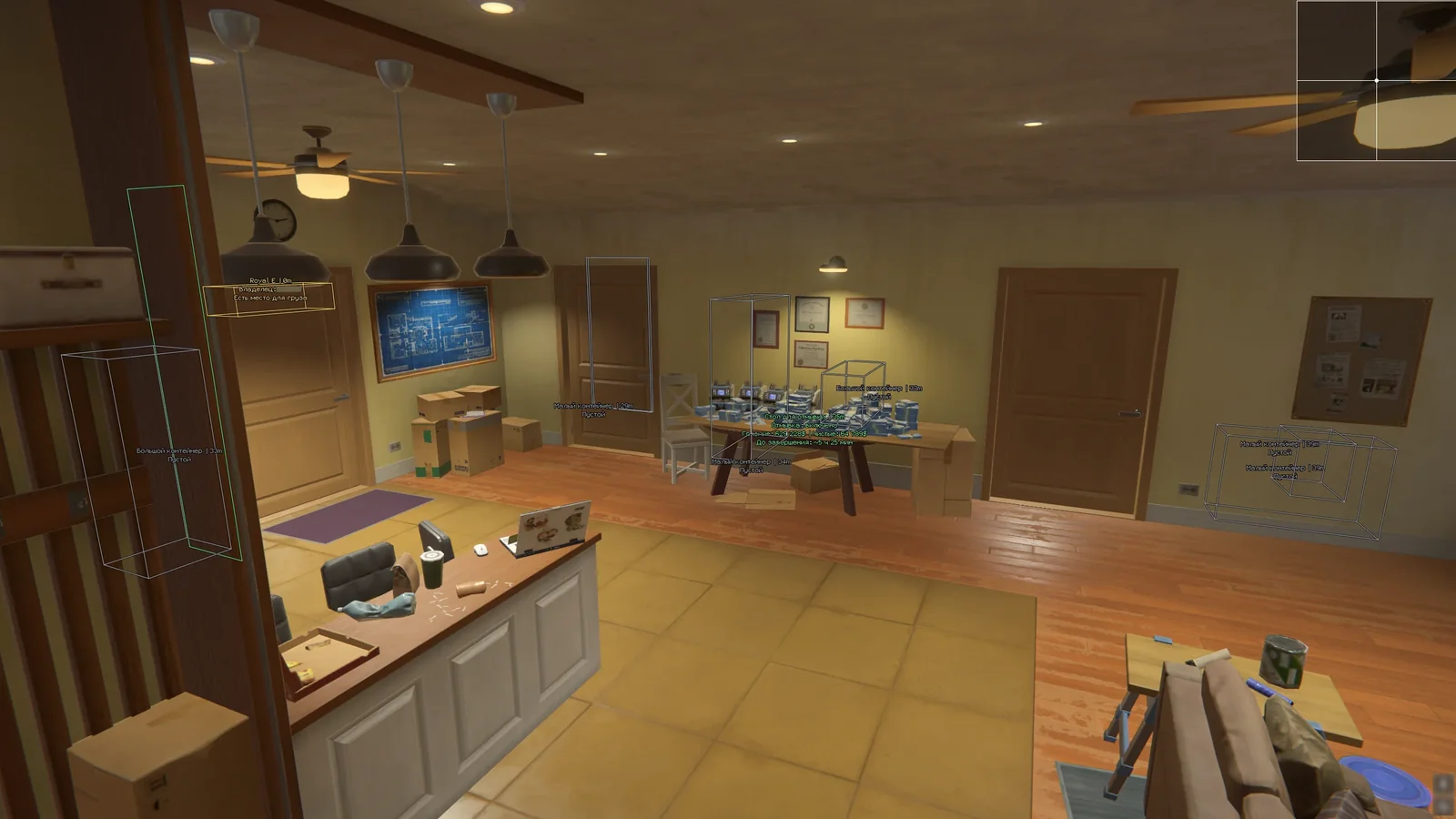
MASON Internal for Rob Run: detailed ESP and radar
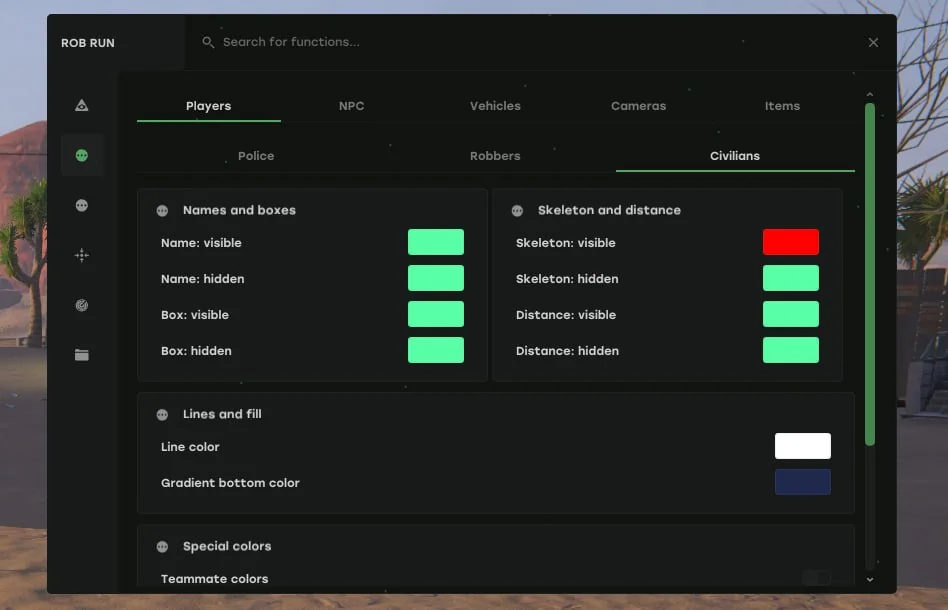
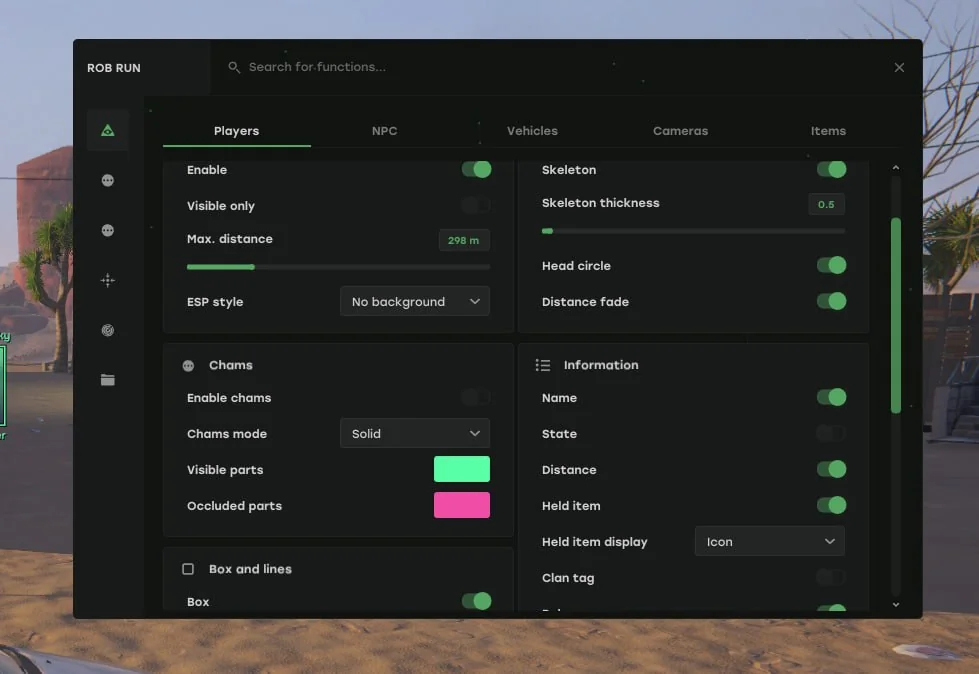
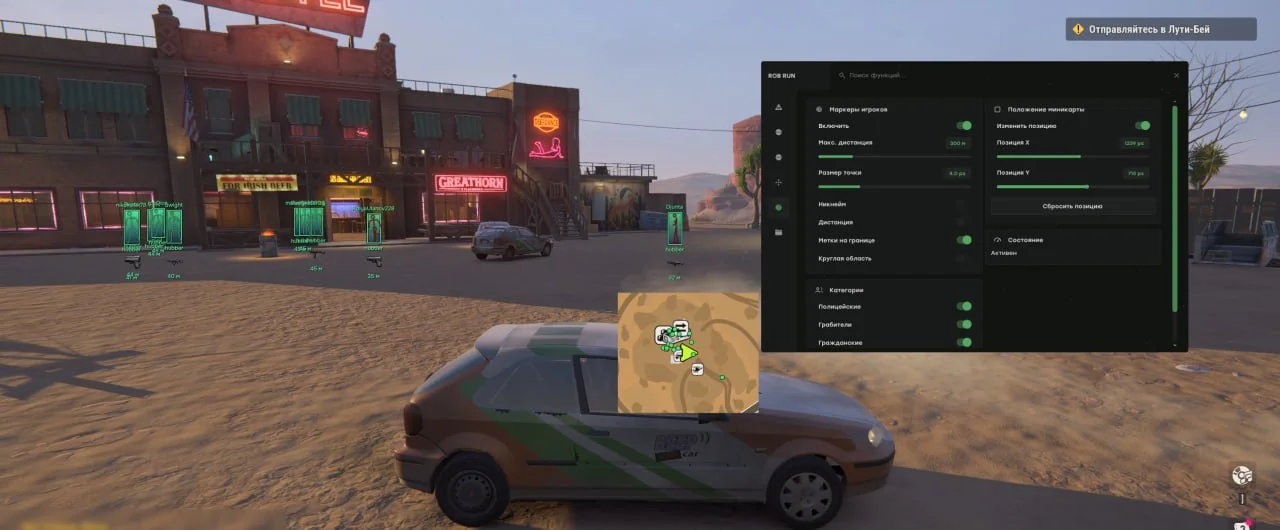
MASON Internal is designed for Steam Rob Run users who need more than Aimbot alone. It combines player, NPC, vehicle, camera, and loot ESP with radar, combat mode, and weapon settings. The MASON product page lists 180 functions organized into categories ranging from boxes and skeletons to loot filters, colors, and configurations.
Features and practical use
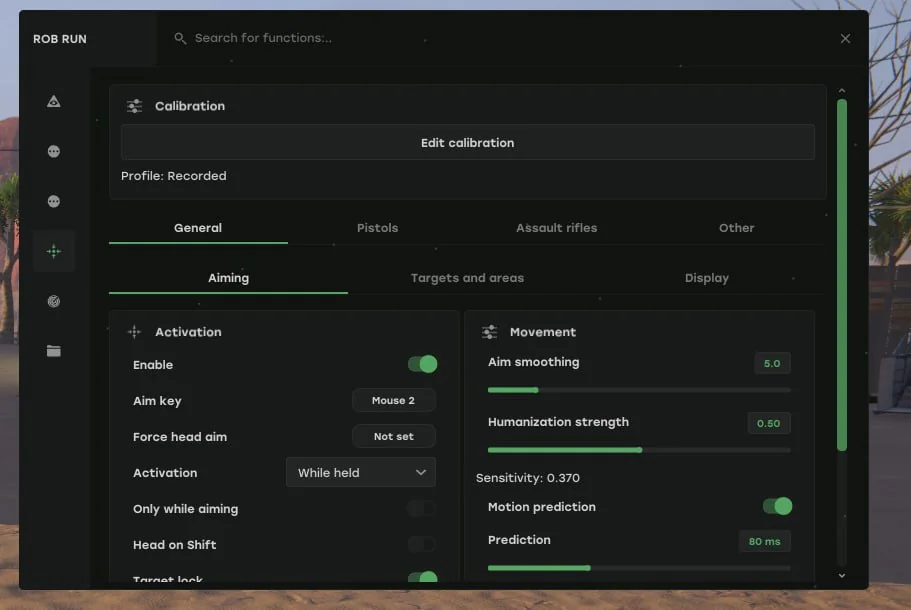
- Aiming: aim controls, target and hitbox selection, FOV, visual indicators, weapon profiles, and calibration.
- Awareness: player and NPC ESP, boxes, lines, skeletons, Chams, vehicles, cameras, items, and world objects.
- Filtering: distance limits, visible-only mode, loot filters, and separate colors for different categories.
- Additional tools: radar, combat mode, recoil adjustment, menu controls, and saved configurations.
This set suits users who want to tailor the display to a particular task. Enabling every option is not necessary: filters can reduce excess on-screen information.
Requirements and limitations
- Supported systems are Windows 11 x64 with Intel or AMD processors and NVIDIA or AMD graphics cards.
- The Steam version of Rob Run and administrator rights for the loader are required.
- The game must run in windowed mode only.
- No USB flash drive or activation drive is needed. A spoofer is not included.
- The loader may request a Windows restart after the first launch.
Launch sequence
Close the game, download the separate MASON loader, and run it as administrator. Select ROB RUN (MaSoN Internal), enter the key from your account, and click Launch. If a restart is requested, repeat the loader launch after Windows loads. Open Rob Run only after seeing Cheat Success Loaded! Open game. Starting earlier can cause a crash. A sound signal should play once the game loads, and the menu should open automatically; Insert opens it again. Follow the MASON launch guide for every step and known errors.
Choosing MASON over other Rob Run products
MASON stands out for detailed ESP, loot filters, radar, and weapon profiles. MEMEZ has fewer settings but offers NVIDIA or Discord Overlay and includes Skinchanger. Arcane also provides radar and NPC ESP, but depends on Discord Overlay and Visual C++. SMG focuses on a shorter list of core visual and combat functions and supports Windows only up to 23H2. Stealth adds Silent Aim and a free camera, while requiring AVX, UEFI, and a restart during activation.
Risks and troubleshooting support
Third-party software can violate Rob Run rules and result in an account ban. Undetectability and permanent compatibility cannot be guaranteed because game and anti-cheat updates can change how the product works. MASON does not include a spoofer. If the game crashes, confirm that you waited for the successful-load message. If the menu does not appear, check windowed mode and press Insert. For a persistent error, send a screenshot and the launch stage to MEMEZ support through a ticket.
Before choosing, see the comparison of all five Rob Run products to understand how this option differs from the others.
Useful Rob Run guides: PC requirements and preparation, troubleshooting launch errors.