Radar cheat for Albion Online. Displays mobs, resources, players, NPCs, mounts, chests and Mists. Windows 10.
System requirements and details
42 features. No fluff.
What buyers say
In Albion Online, while your character is gathering resources or heading to a destination, other players can show up nearby. Sometimes an important object is very close by but goes unnoticed because of terrain, trees, or the edges of the visible area. Using an Albion radar helps you understand what's happening around you faster, without wasting time on a chaotic search.
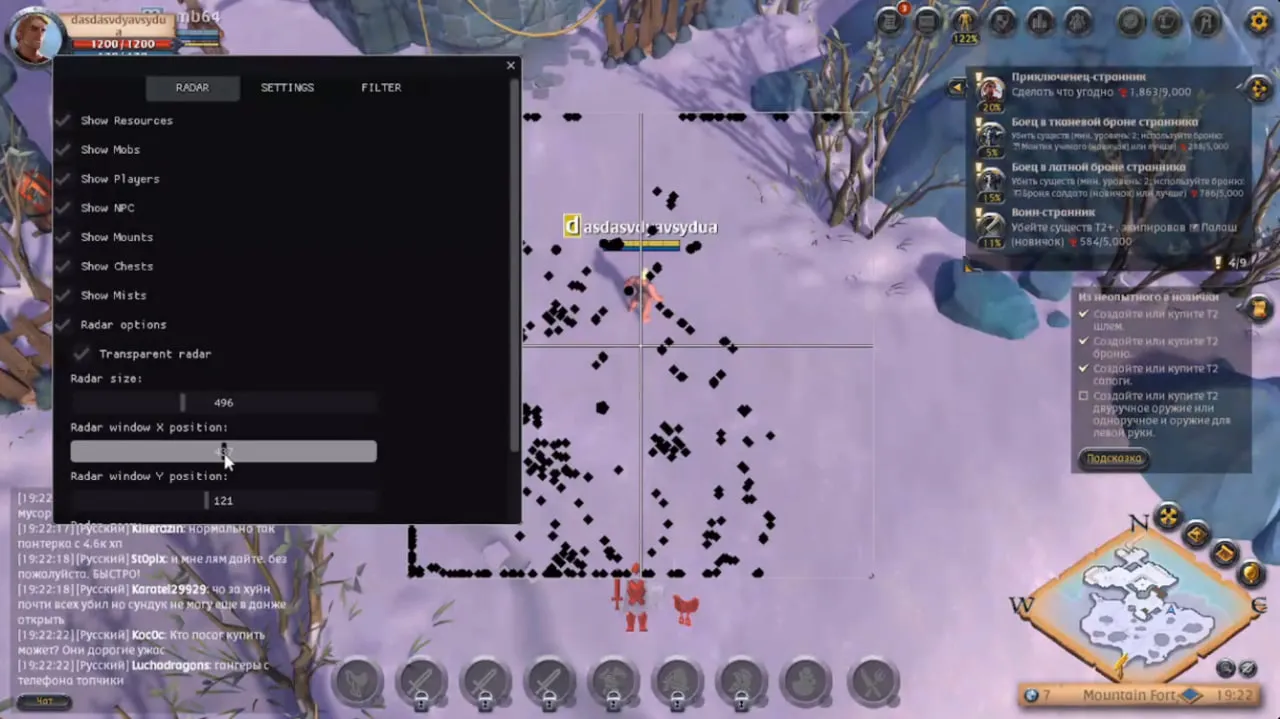
The program shows nearby objects on a separate map. The player sees their location and approximate distance, then decides what to do next on their own. You can keep gathering, head over to a chest, change your route, or leave a dangerous area. The radar itself doesn't do anything on the player's behalf and doesn't interfere with character control.
The map can display:
- other players, mobs, and NPCs
- ore, wood, stone, and other resources
- chests, mounts, and other points of interest
- elements found in the Mists
- distance to the selected target
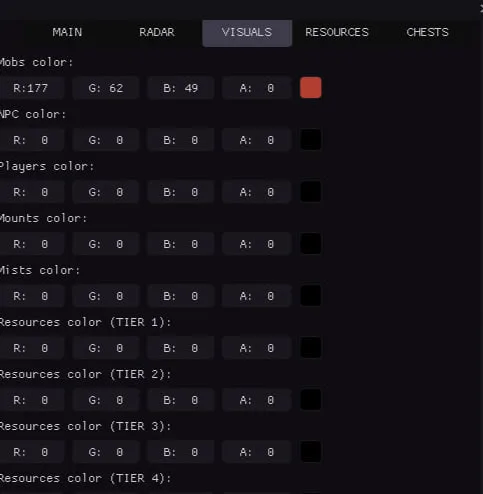
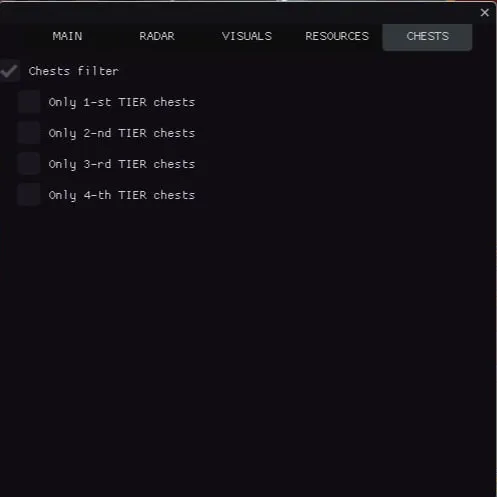
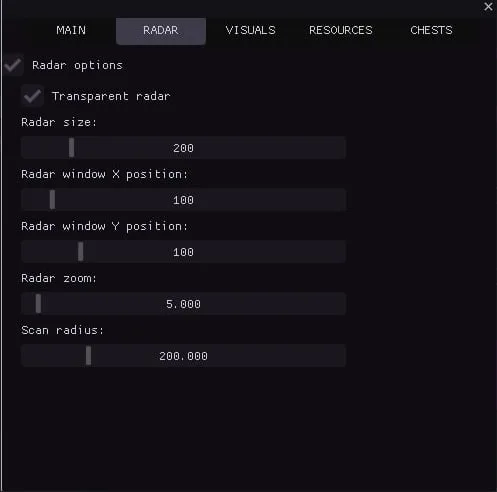
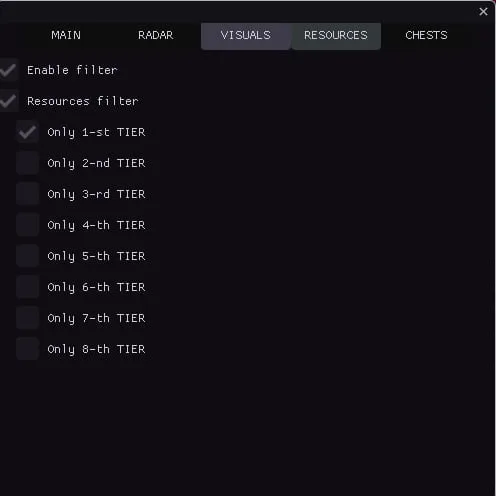
You usually don't need all the categories at once. When there are too many icons, the map becomes cluttered, so it's better to tailor the display to your current task. While gathering resources, you can leave only the relevant material and players visible. Finding chests calls for a different set of markers. Settings are easy to change later, once you figure out which information is actually useful.
On the MEMEZ website, you can buy an Albion radar with access for your chosen period. A short term is good for a first look: in that time you can check out the interface, see how objects are displayed, and pick comfortable settings. A longer option is chosen by users who already know the program and plan to run it regularly.
After placing an order, the buyer receives a key. Activation requires the launcher and the instructions from the product page. Before paying, it's worth checking the current product status, the supported Windows version, and other system requirements. Albion Online is updated periodically, so old reviews and instructions from forum discussions may no longer be accurate.
It's best to run the Albion Online radar for the first time somewhere outside a dangerous zone. You can walk around familiar territory for a bit, watch how the markers change, and remove anything unnecessary. This is easier than fiddling with settings during a chase or right before an unexpected fight.
The Albion Online radar has a fairly straightforward job: show objects that are nearby. The program doesn't promise complete safety and doesn't determine the best route. It just provides extra information that's sometimes missing when you need to make a timely decision. The player assesses the situation and decides what to do next.
If you run into any issues with payment, receiving your key, or launching, you can reach out to MEMEZ support. Before contacting them, it's helpful to check the instructions and the latest information on the product page — it reflects the most recent changes.