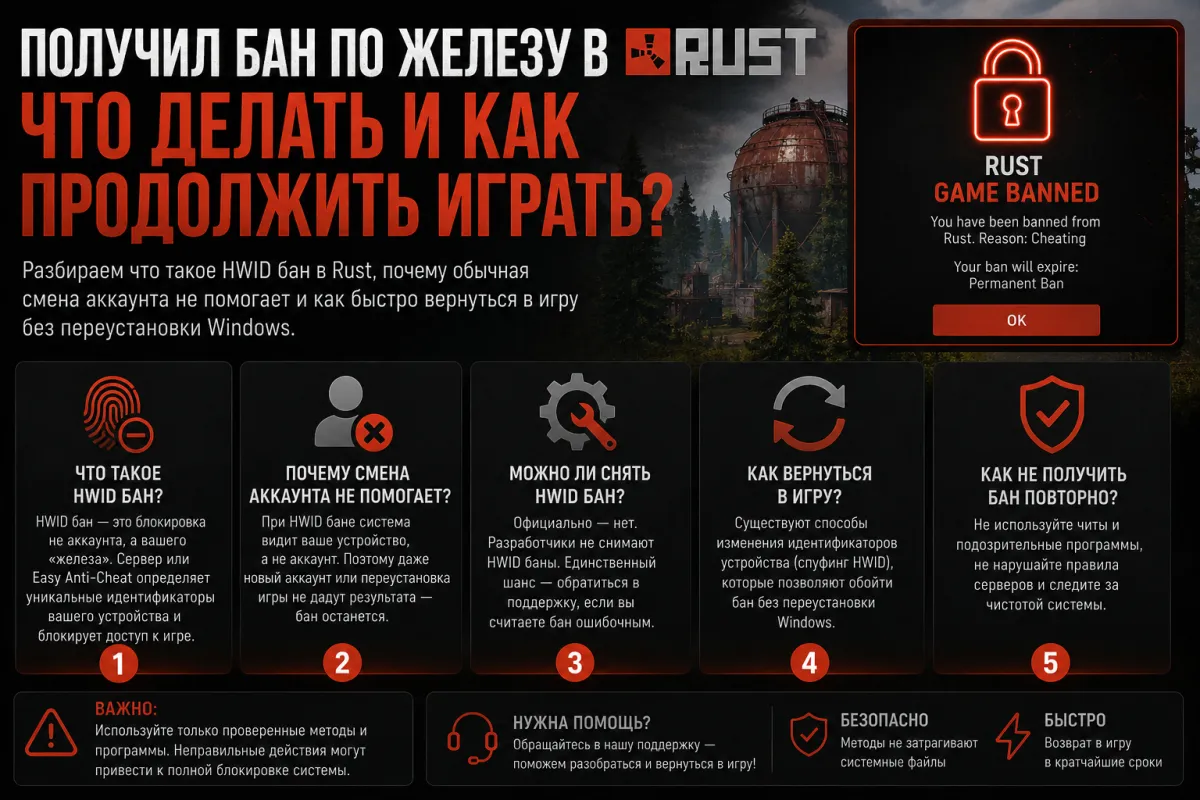
Got a Hardware Ban in Rust — What to Do and How to Keep Playing
We break down what a HWID ban in Rust is, why simply switching accounts won't help, and how to get back in the game fast without reinstalling Windows.
What is a hardware ban
A regular ban only locks your Steam account. You make a new one — and keep playing. A hardware ban works differently: EasyAntiCheat remembers unique identifiers of your computer — serial numbers of your drives, motherboard, network card. Any new account from the same hardware gets banned within minutes after launching the game.
That's exactly why many players, after an HWID ban, create a new account and are surprised — it doesn't help.
Why reinstalling Windows doesn't always fix the problem
A lot of people think formatting the drive resets the identifiers. It partially works, but not completely. EAC tracks dozens of hardware parameters, some of which don't change after a reinstall. On top of that, it takes hours, and after the next ban you have to do the whole thing over again.
How HWID Spoofer works
A spoofer is a program that swaps your hardware identifiers at the OS level before the game launches. The anti-cheat sees different serial numbers and finds no match with the banned hardware.
Key features:
— Spoofs HWID, MAC address, drive serials and other parameters
— Works without reinstalling the system
— Comes with a built-in cleaner to wipe traces left after bans
— Supports EasyAntiCheat, BattlEye and Ricochet
How long it takes
Unlike reinstalling Windows — a few minutes. You launch the spoofer, it swaps the values, then you make a new Steam account and log into Rust. No formatting and no setting up the system from scratch.
Two usage scenarios
Scenario 1 — you already got banned. The spoofer changes the identifiers so EAC sees you as a new user. Rust, Fortnite and DayZ work without reinstalling the system.
Scenario 2 — you're playing with a cheat and want to protect yourself. You run the spoofer before every session. If EAC catches you — the ban hits the spoofed identifiers, while your real hardware stays clean.
What to look at when choosing a spoofer
The main parameter is which anti-cheats and games it supports. Make sure the spoofer works with the current version of EAC for Rust. A good spoofer is updated regularly after patches.
Compatibility with your Windows version matters too — check the supported builds before buying. The current spoofer for Rust and other games is in our catalog at memez.ru/catalog/spoofer.
A regular ban only locks your Steam account. You make a new one — and keep playing. A hardware ban works differently: EasyAntiCheat remembers unique identifiers of your computer — serial numbers of your drives, motherboard, network card. Any new account from the same hardware gets banned within minutes after launching the game.
That's exactly why many players, after an HWID ban, create a new account and are surprised — it doesn't help.
Why reinstalling Windows doesn't always fix the problem
A lot of people think formatting the drive resets the identifiers. It partially works, but not completely. EAC tracks dozens of hardware parameters, some of which don't change after a reinstall. On top of that, it takes hours, and after the next ban you have to do the whole thing over again.
How HWID Spoofer works
A spoofer is a program that swaps your hardware identifiers at the OS level before the game launches. The anti-cheat sees different serial numbers and finds no match with the banned hardware.
Key features:
— Spoofs HWID, MAC address, drive serials and other parameters
— Works without reinstalling the system
— Comes with a built-in cleaner to wipe traces left after bans
— Supports EasyAntiCheat, BattlEye and Ricochet
How long it takes
Unlike reinstalling Windows — a few minutes. You launch the spoofer, it swaps the values, then you make a new Steam account and log into Rust. No formatting and no setting up the system from scratch.
Two usage scenarios
Scenario 1 — you already got banned. The spoofer changes the identifiers so EAC sees you as a new user. Rust, Fortnite and DayZ work without reinstalling the system.
Scenario 2 — you're playing with a cheat and want to protect yourself. You run the spoofer before every session. If EAC catches you — the ban hits the spoofed identifiers, while your real hardware stays clean.
What to look at when choosing a spoofer
The main parameter is which anti-cheats and games it supports. Make sure the spoofer works with the current version of EAC for Rust. A good spoofer is updated regularly after patches.
Compatibility with your Windows version matters too — check the supported builds before buying. The current spoofer for Rust and other games is in our catalog at memez.ru/catalog/spoofer.
