How to choose a Rob Run product
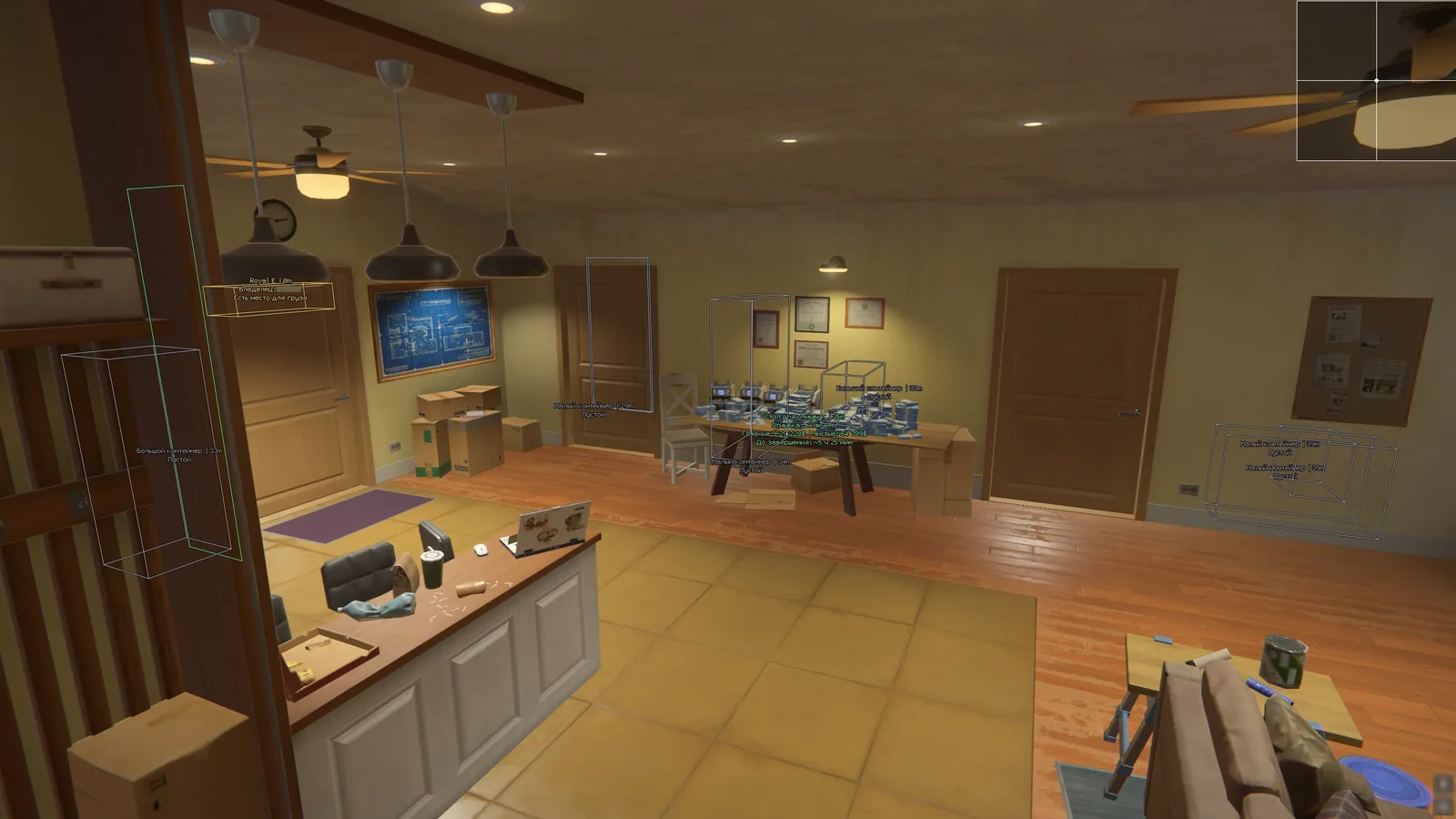
This category includes five solutions with different feature sets and launch requirements: MEMEZ, MASON Internal, Arcane, SMG, and Stealth. Start by checking your Windows version, then decide what matters most in gameplay: a conventional Aimbot or Silent Aim, NPC and skeleton ESP, a radar, loot visibility, vehicle features, or a free camera. Finally, compare the launch process. Some products use a game overlay, while others require loader confirmation or an automatic PC restart.
Do not choose by feature count alone. Radar is not included in every option, Arcane explicitly lists No Recoil, and Stealth is the product with an adjustable Silent Aim hit percentage. The individual product pages provide the full descriptions and current specifications.
How MEMEZ, MASON, Arcane, SMG, and Stealth differ
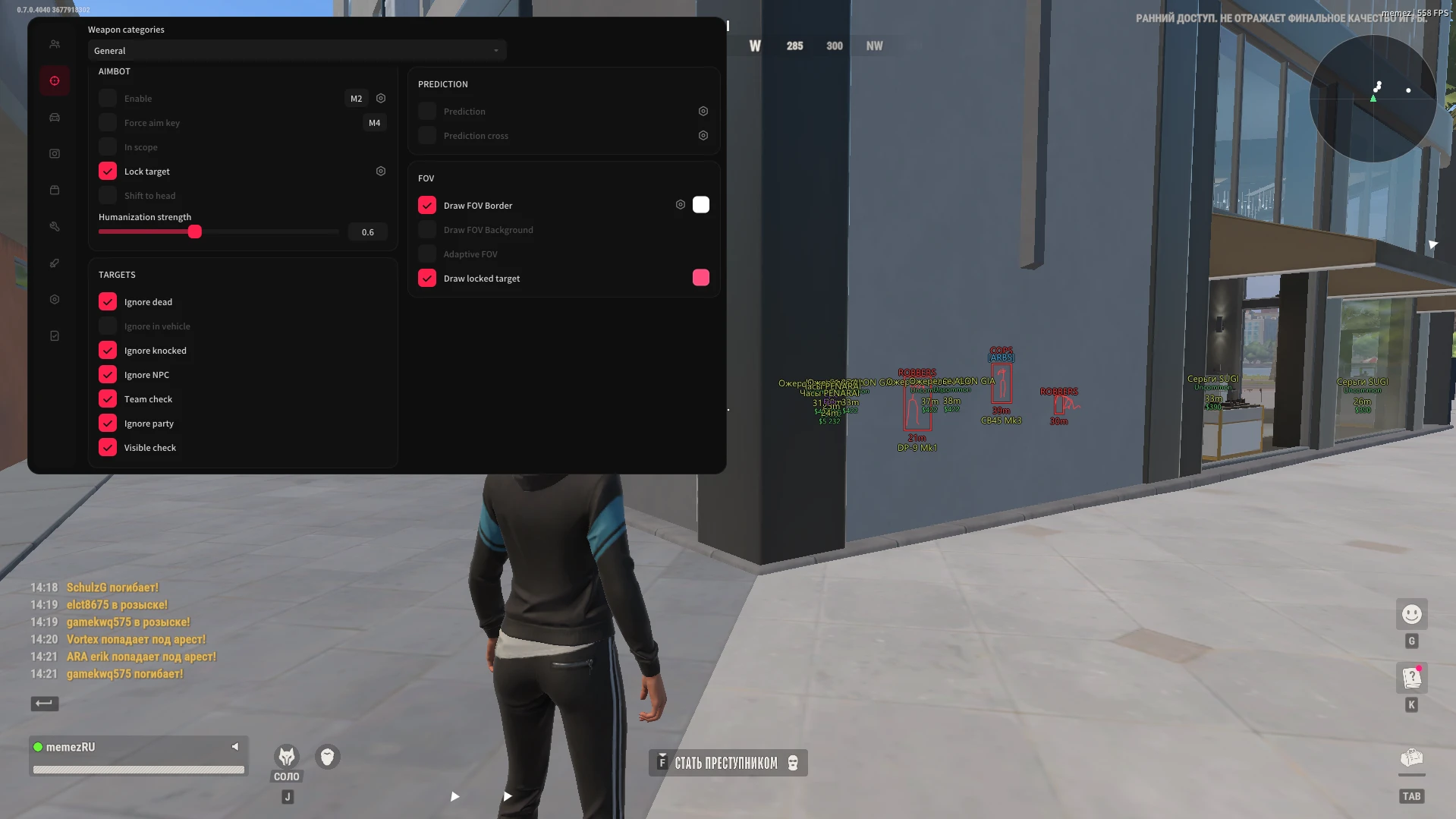
- MEMEZ is the simple-launch option for Windows 11. It includes Aimbot, ESP for players, vehicles, and loot, a combat mode, and recoil settings. It suits users who want a core aiming and visual-awareness toolset without the more demanding Stealth launch process.
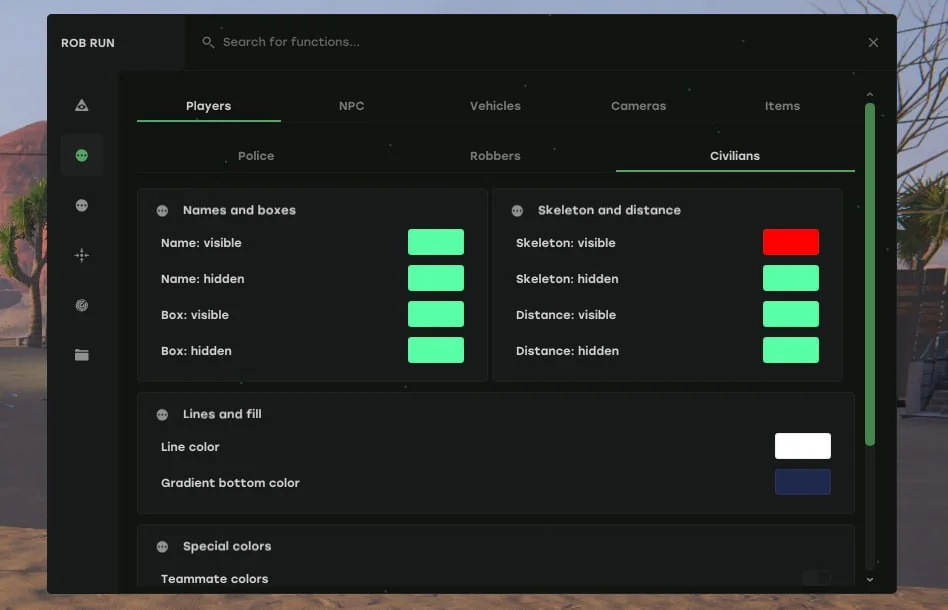
- MASON Internal is a Windows 11 solution with Aimbot; player, NPC, skeleton, loot and camera ESP; radar; combat mode; vehicle features; and recoil controls. Its key distinction from MEMEZ is the listed radar. During launch, wait for the loader to confirm success before opening the game.
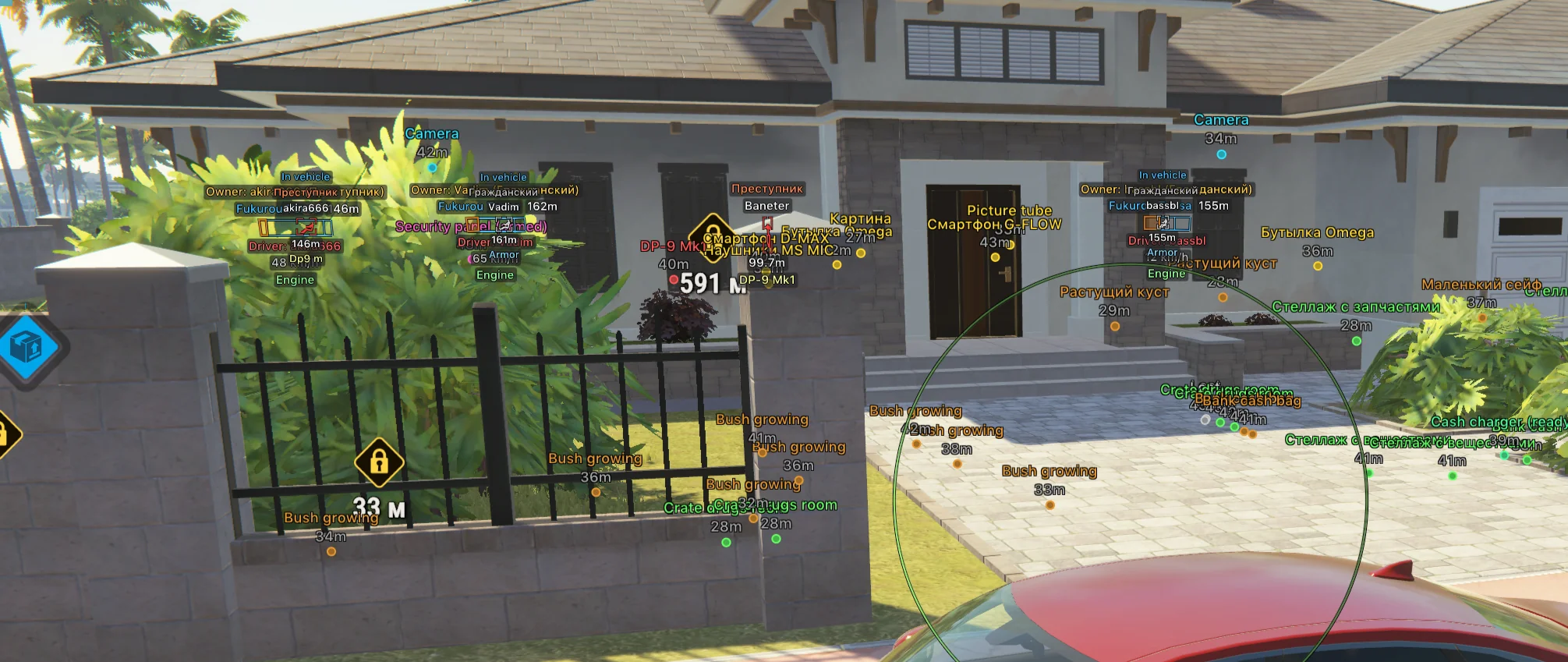
- Arcane supports Windows 10 and 11 and includes Aimbot, player and NPC ESP, vehicle and item features, radar, and No Recoil. It uses Discord Overlay to display its menu. This is the clearest fit when NPC ESP and radar are priorities, especially on a supported Windows 10 system.
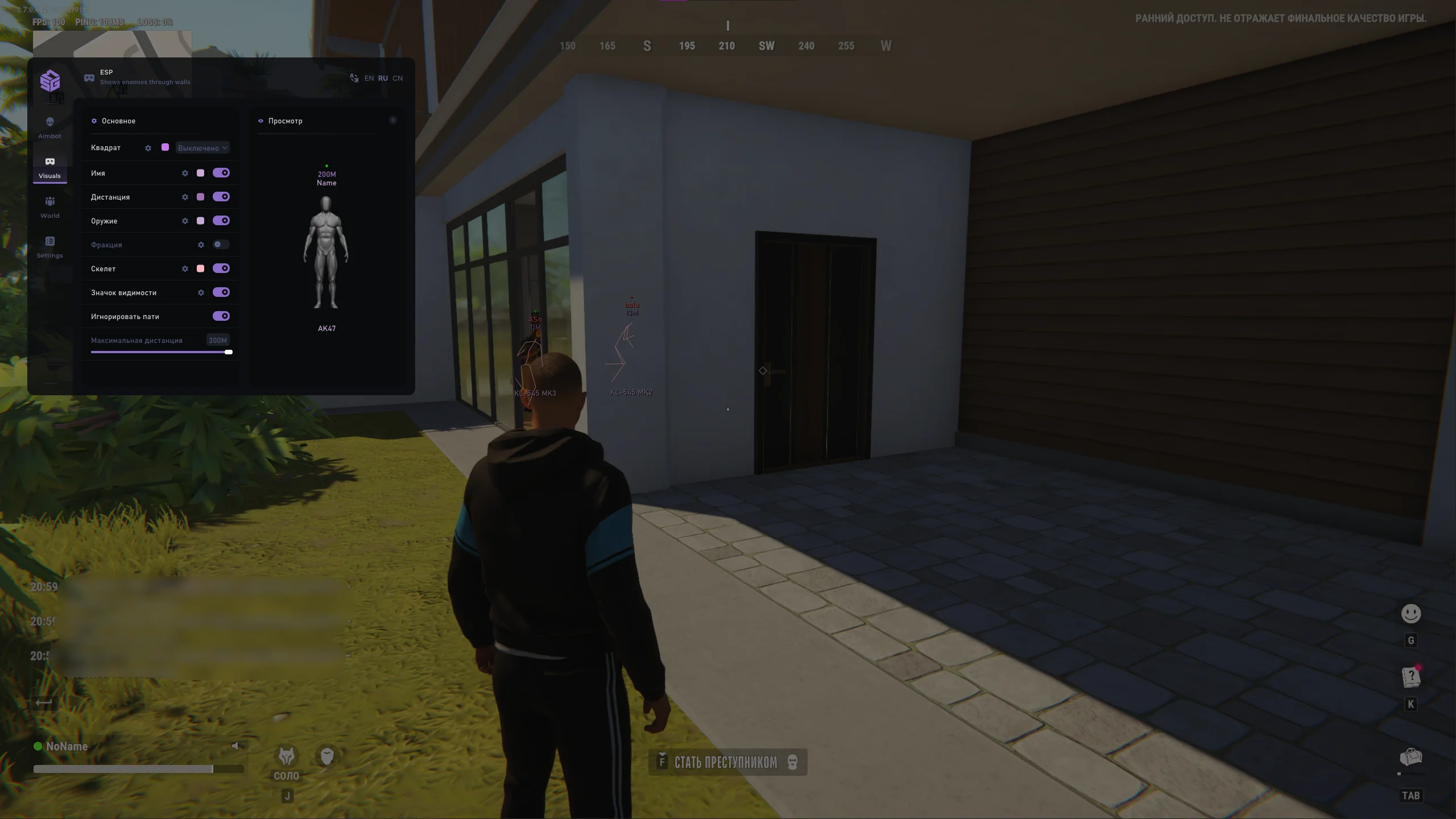
- SMG supports Windows 10 and 11 with Aimbot, player ESP, skeletons, loot, vehicle features, and a combat mode. Skeletons and combat mode distinguish it from Arcane; radar is not listed in its description. Launching requires administrator privileges and careful adherence to the prescribed sequence.
- Stealth offers Silent Aim with an adjustable hit percentage, player and loot ESP, camera and vehicle features, radar, a free camera, and combat mode. Its system preparation is substantially different: AVX support, UEFI, and a compatible Windows build are required, and launch involves an automatic restart.
Compare the gameplay features
- Aiming: MEMEZ, MASON, Arcane, and SMG list a conventional Aimbot. Stealth uses Silent Aim with a configurable hit percentage. This is a different aiming approach, so compare it according to your needs rather than treating the names as interchangeable.
- Visual information: all five products include player ESP. NPC ESP is listed for Arcane and MASON, skeletons for SMG and MASON, cameras for MASON and Stealth, and a free camera for Stealth. MEMEZ also displays vehicles and loot, while MASON and Stealth include loot ESP.
- Radar: MASON, Arcane, and Stealth list radar. If it is essential, start with these three and then narrow the choice by Windows version and launch requirements.
- Vehicles and items: all five include vehicle-related features. MEMEZ and MASON cover loot, Arcane lists items, SMG lists loot, and Stealth includes loot ESP. Consult the selected product page for exact settings and available filters.
- Recoil and combat mode: Arcane explicitly lists No Recoil, while MEMEZ and MASON list recoil settings. Combat mode is included with MEMEZ, MASON, SMG, and Stealth. These descriptions refer to different feature sets, so review the full product list before buying.
System requirements and compatibility
The differences extend beyond the Windows version. Window mode, overlays, administrator privileges, CPU support for AVX, and BIOS mode can all determine whether a product will work on your PC.
- MEMEZ: Windows 11 x64, Rob Run on Steam, and windowed or borderless mode. Use one display overlay: NVIDIA App or Discord, not both at the same time.
- MASON Internal: Windows 11 x64, Rob Run on Steam, windowed mode, and an administrator-level loader launch. A restart may be required after the first launch.
- Arcane: Windows 10/11 x64, Microsoft Visual C++ Redistributable, and Discord with the current overlay enabled. The guide recommends at least 12 GB of RAM.
- SMG: Windows 10/11, Rob Run on Steam, and administrator privileges. Follow the developer's Windows-protection requirements and remove conflicting anti-cheats if they are installed.
- Stealth: Windows 10 21H1 or later, or Windows 11 up to 26H2; an official Windows build; an Intel or AMD CPU with AVX support; and UEFI mode. Checking the Windows version alone is not enough.
Before purchasing, compare your PC with the product page and launch guide. If the game or Windows has recently updated, check the product's current status because compatibility and installation steps may change.
Safety and potential risks
Using cheats can violate game rules and lead to account bans or other restrictions. A working status and timely updates do not remove that risk. Aimbot, Silent Aim, ESP, or radar settings also do not guarantee protection from enforcement.
- Some guides require temporarily disabling Defender or SmartScreen and removing FaceIt and Vanguard. These actions reduce Windows protection. Perform only the required steps and restore your security settings after use.
- Download files through the official guide for your selected product rather than substituting third-party builds. Enter the key without extra spaces and only in its intended loader.
- Close unnecessary applications and overlays when the guide requires it. Do not combine steps from different products: the MEMEZ activation sequence, for example, does not replace the MASON or SMG procedure.
- Stealth requires extra care. Clicking Launch automatically restarts the PC. Save your work first and do not power off the computer until the desktop appears, because interrupting the process may damage the boot partition.
Purchase and access
Open the appropriate product page, check its status, system requirements, and full feature list, then select an available duration. The current price is shown on the product page during checkout. After payment, the key and instructions become available in your dashboard. Keep the key saved and use the guide for the exact product you purchased.
Launch notes for each product
- MEMEZ guide: close the game, configure one overlay, and activate your key in the loader. Launch Rob Run in windowed or borderless mode. Press F1 in the lobby and use Insert to open the menu.
- MASON guide: run the loader as administrator, select ROB RUN (MaSoN Internal), enter your key, and click Launch. Open the game only after seeing Cheat Success Loaded! Open game. Use Insert to open the menu.
- Arcane guide: install the required components, enable the current Discord Overlay, and run the loader as administrator. After activating the key, open the game without switching between windows. The menu normally appears within 1–2 minutes; use HOME or INSERT.
- SMG guide: prepare Windows, run the official loader as administrator, enter your key, and click Inject. Wait for load confirmation before opening Rob Run. Press F2 in the main menu and use HOME to control the product menu.
- Stealth guide: verify AVX, UEFI, and your OS version, close the game, activate the key, and click Launch. Do not interrupt the automatic restart. Once Windows loads, start the game. HOME opens the menu and END unloads the product; reopening it after END requires another restart.
Which option fits your needs
Consider MEMEZ for a simple Windows 11 launch with core Aimbot, ESP, and combat-mode features. Compare MASON if you need radar on the same OS. Arcane is the fit for NPC ESP, radar, No Recoil, and Discord Overlay on Windows 10/11. Choose SMG for skeletons and combat mode, or Stealth for adjustable Silent Aim, cameras, and a free camera when your PC meets its stricter launch requirements.
For a detailed comparison of all five products, their compatibility and launch procedures, read the dedicated Rob Run selection guide.
Useful Rob Run guides